How to separate & prepare devices for the TFix reuse streams
A quick, printable guide for HRRC staff on what to set aside for TFix — so the right kit reaches repair and reuse instead of the WEEE skip.
Documentation & flowLast reviewed: 20 October 2026
Site managers: print every stream's separation sheet as a single handout.
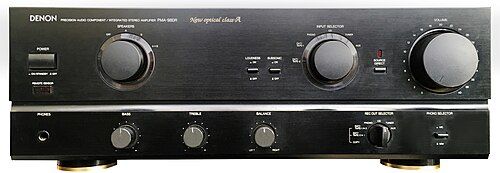
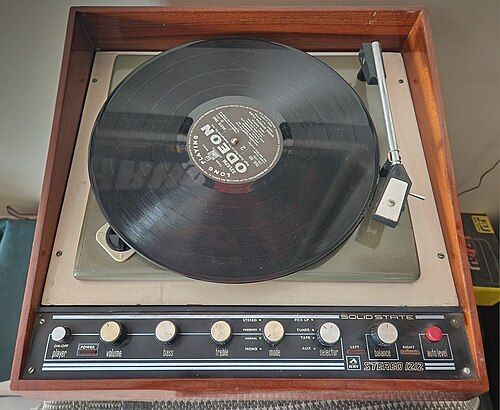
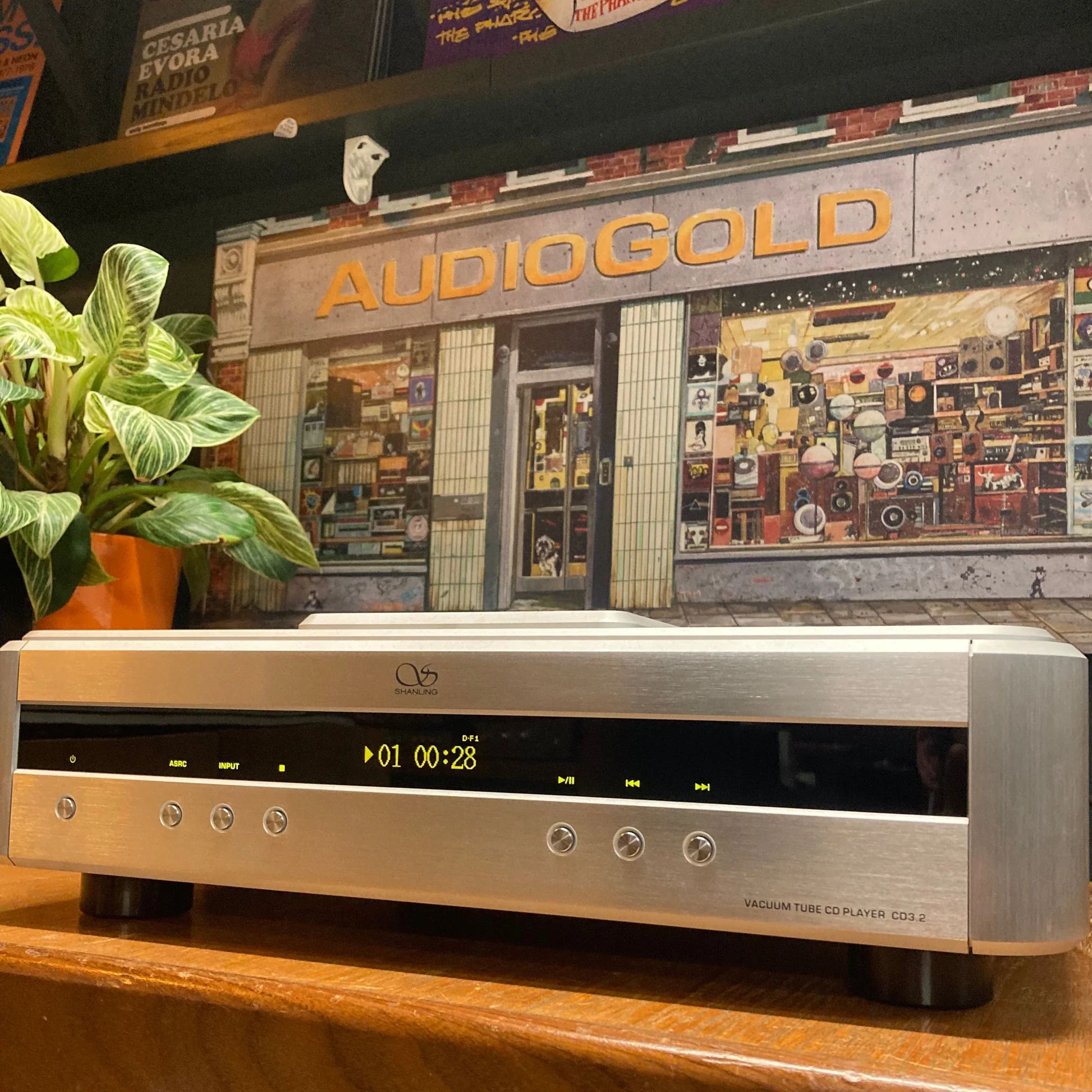
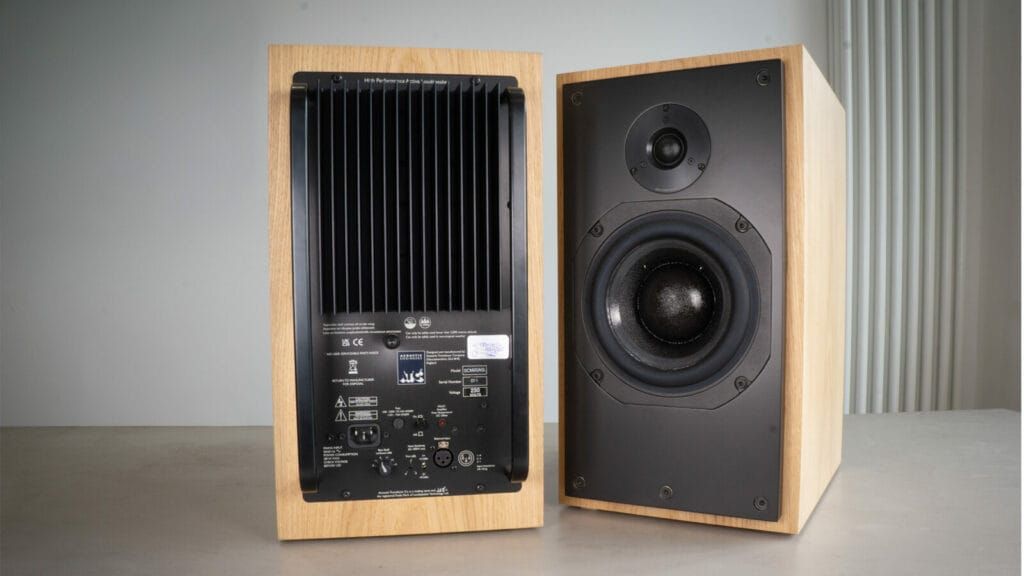
Audio & Hi-Fi Equipment
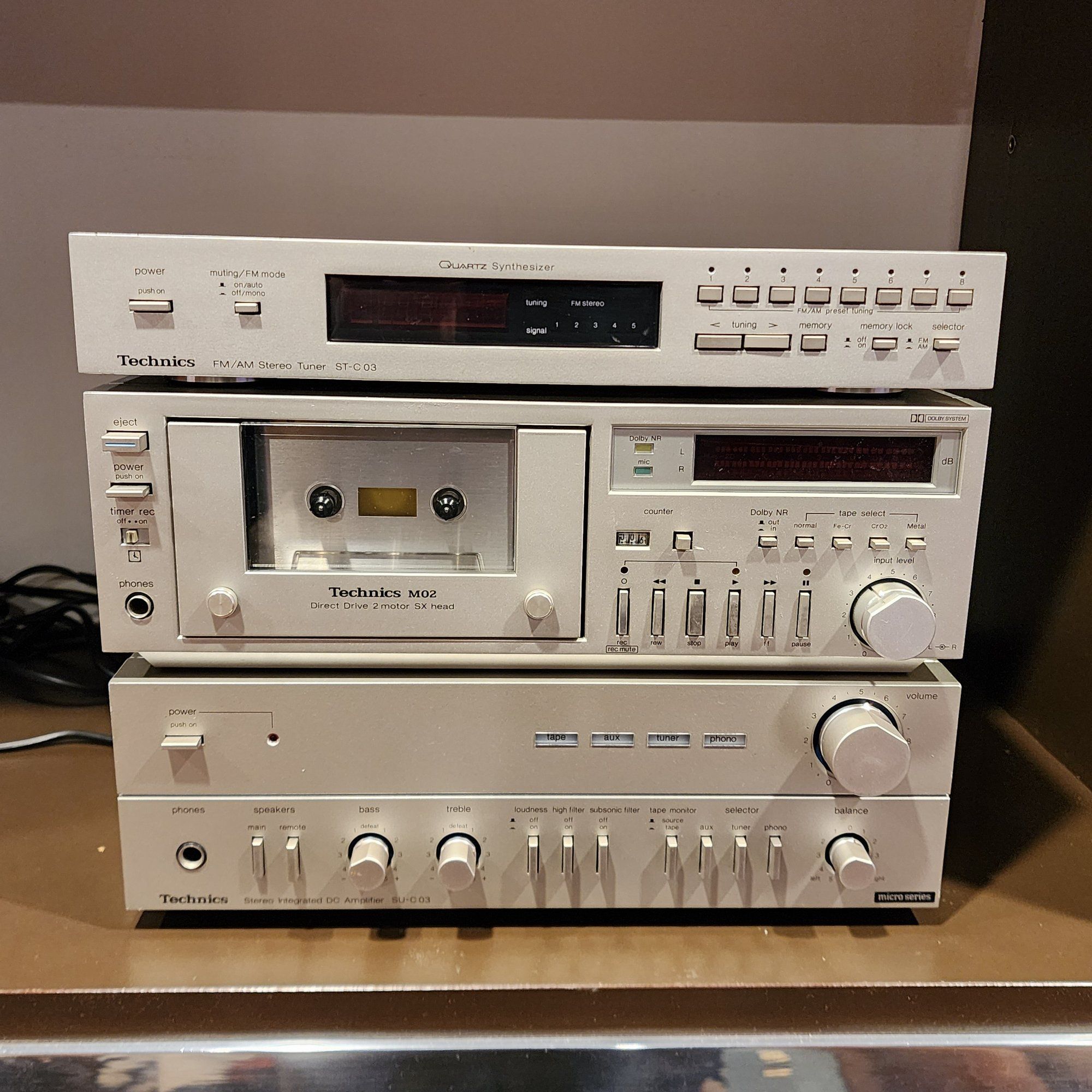
Mains-powered separates, amplifiers, turntables, and passive speakers in complete, clean, working order. This stream is non-hazardous — it contains no batteries and no data-bearing devices, so it does not need a Hazardous Waste Consignment Note or Certificates of Destruction.
Mains powered only
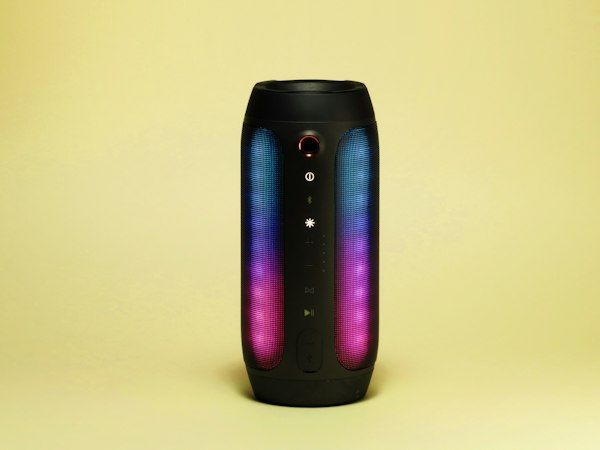
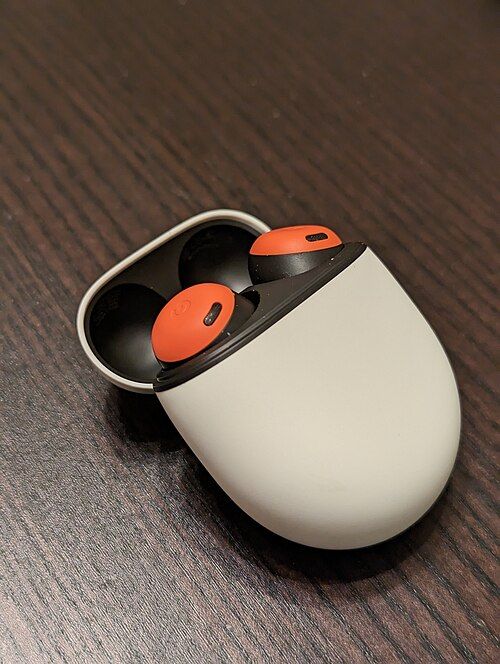
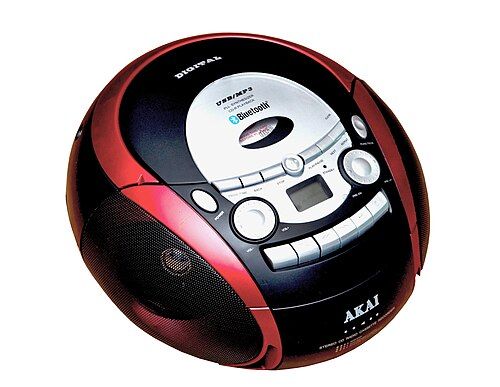
Set aside mains-powered separates only — amplifiers, speakers, radios, and CD players must plug in, be complete, and work. Battery, cordless, and wireless gear needs hazardous handling and has no reuse value here, so it stays out of this stream.
Audio & Hi-Fi — what to set aside for TFix
Green = set aside for TFix. Red = do not set aside.
 ✓
✓ ✓
✓ ✓
✓ ✓
✓ ✓
✓ ✓
✓ ✗
✗ ✗
✗ ✗
✗ ✗
✗ ✗
✗ ✗
✗Not sure? Leave it in the general WEEE skip and mention it to your site lead — we'll take it from there.
Laptops & Computers
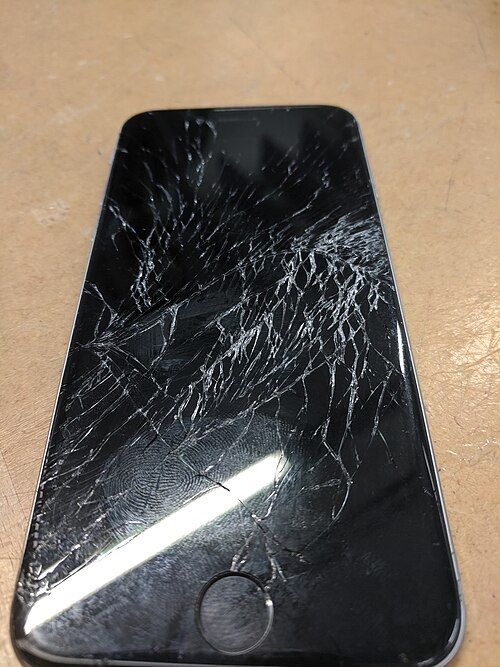
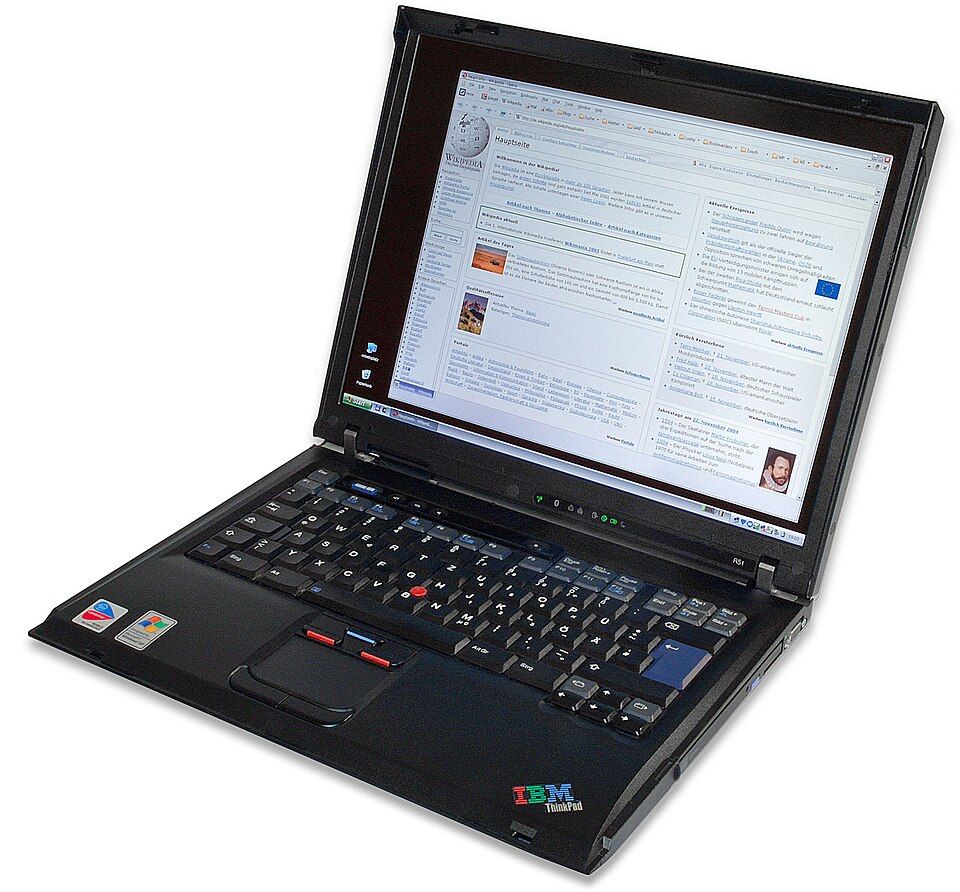
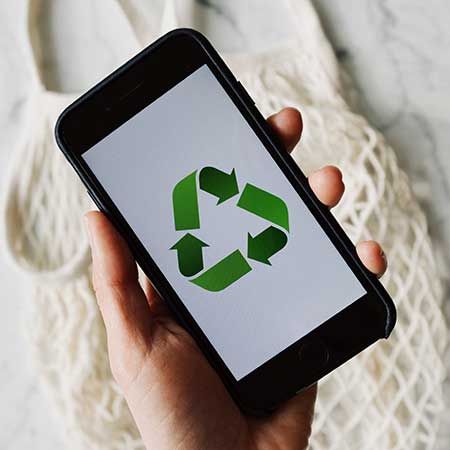
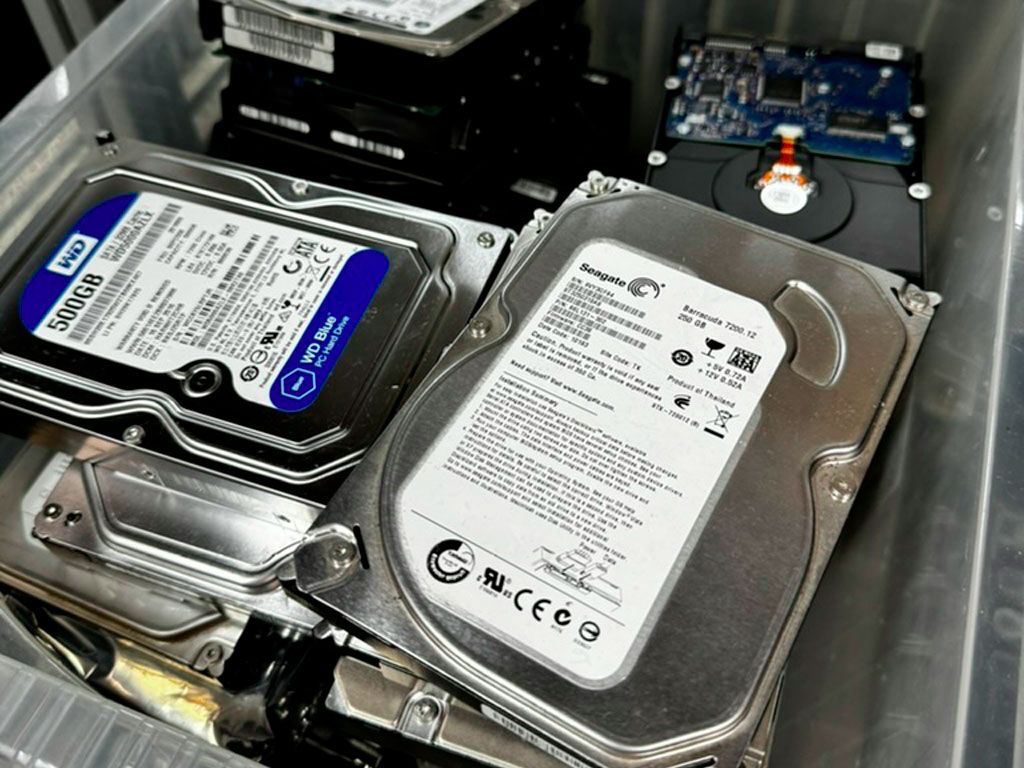
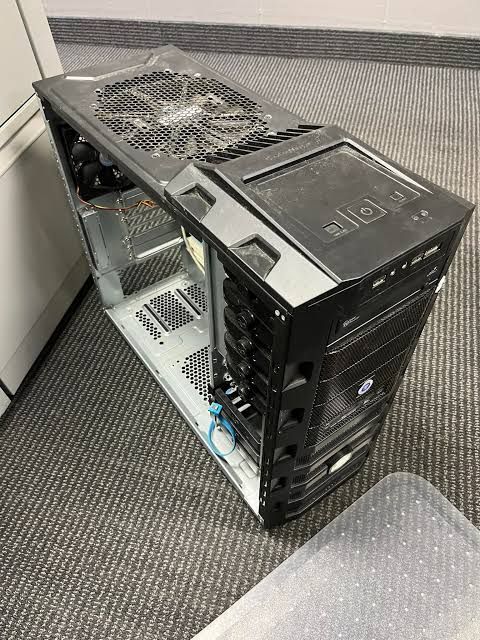
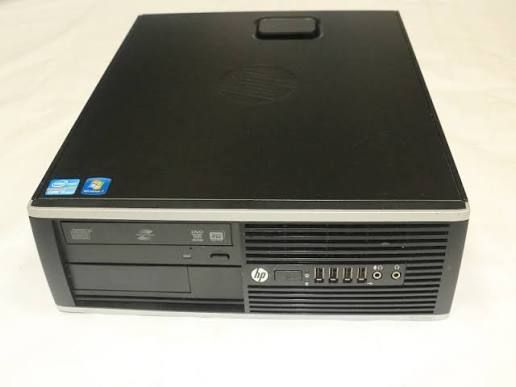
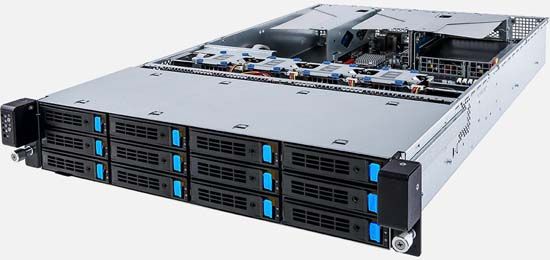
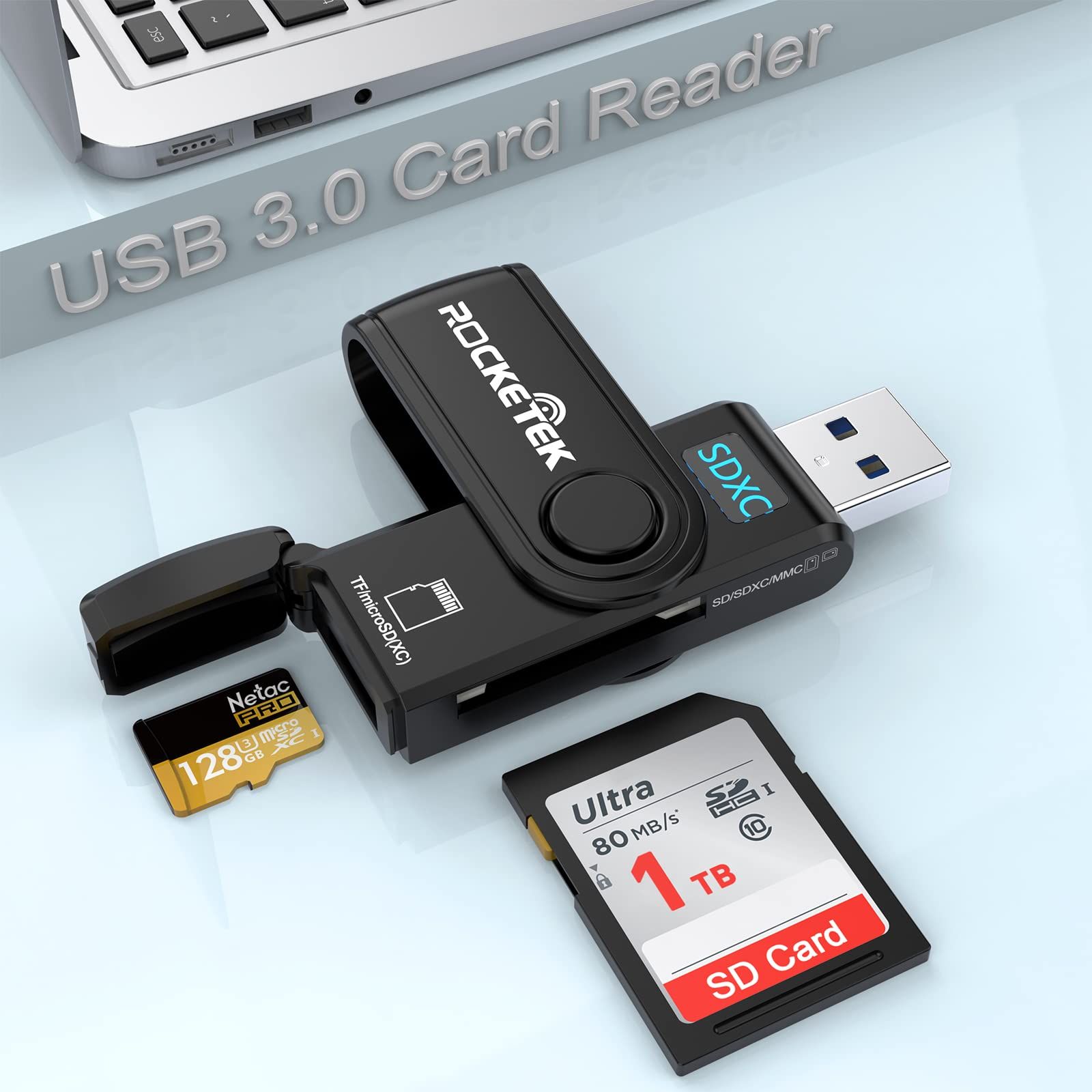
Laptops, desktops, tablets, and phones — anything that can hold residents' personal data. This stream is data-bearing, so every device is securely erased and each one receives a Certificate of Destruction; loads containing batteries also need a Hazardous Waste Consignment Note.
Chargers & cables are essential
Laptops and smartphones must come with their power cable or charger. Without a charger we cannot test, power, or refurbish the device — so it will be rejected. Please keep the charger with the device.
Laptops & computers — what to set aside for TFix
Green = set aside for TFix. Red = do not set aside. Laptops & smartphones must include their charger.
 ✓
✓ ✓
✓ ✓
✓ ✓
✓ ✓
✓ ✓
✓ ✗✗
✗✗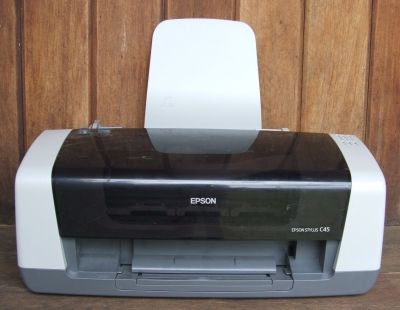 ✗
✗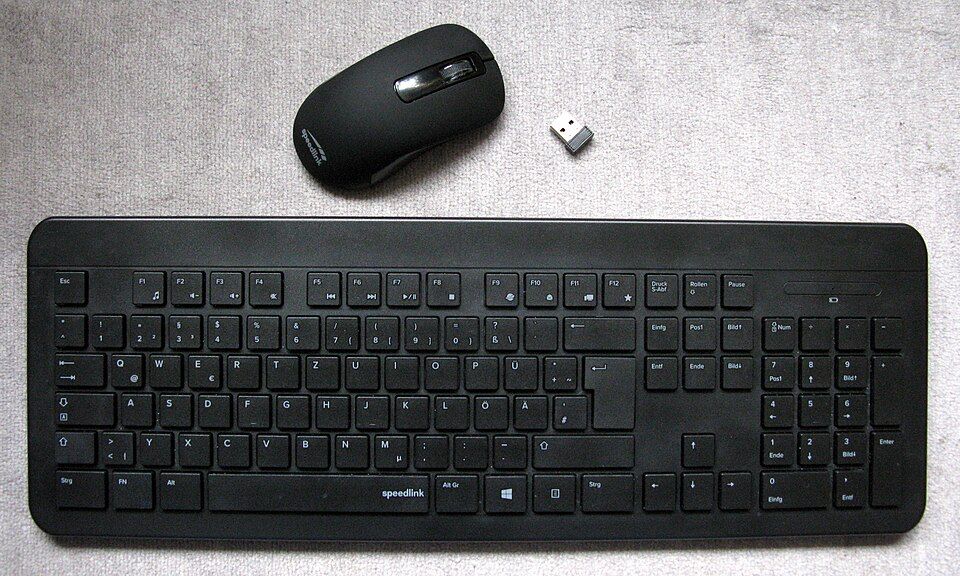 ✗
✗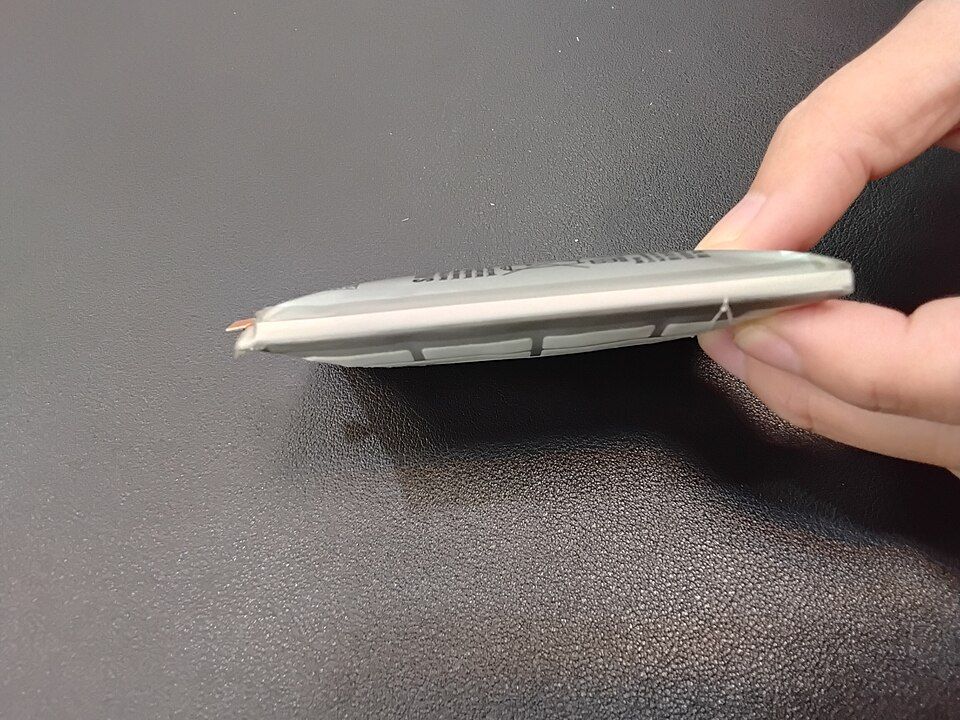 ✗✗
✗✗Not sure? Leave it in the general WEEE skip and mention it to your site lead — we'll take it from there.
Consoles & Gaming
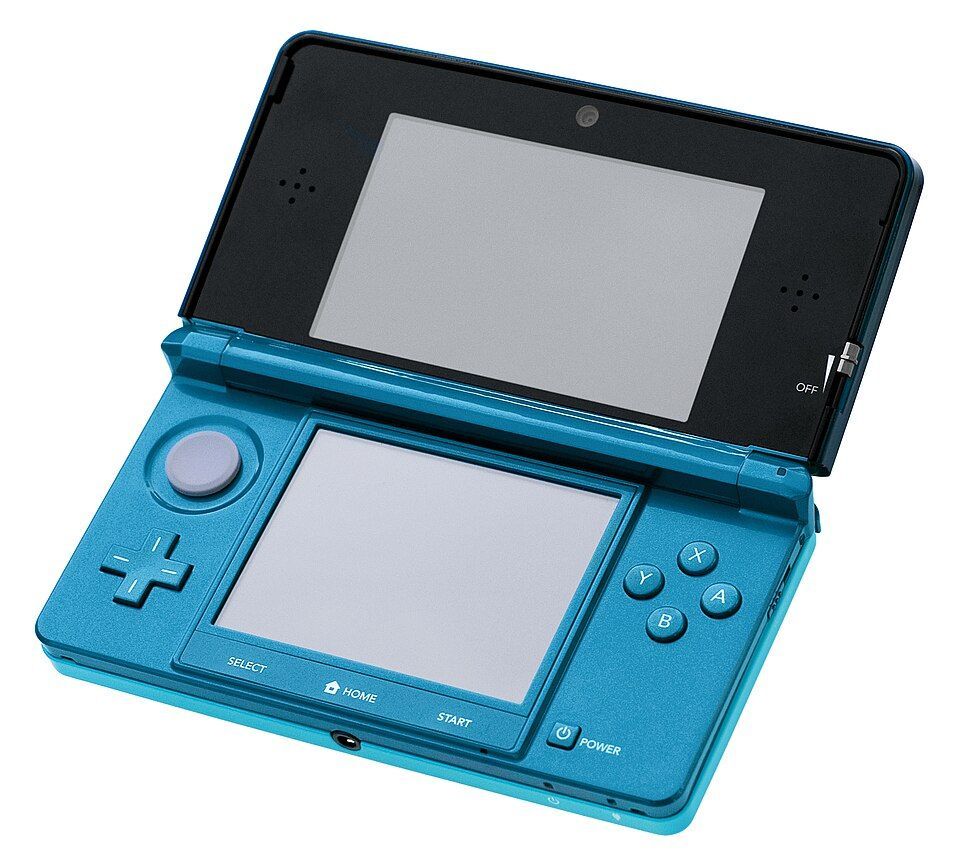
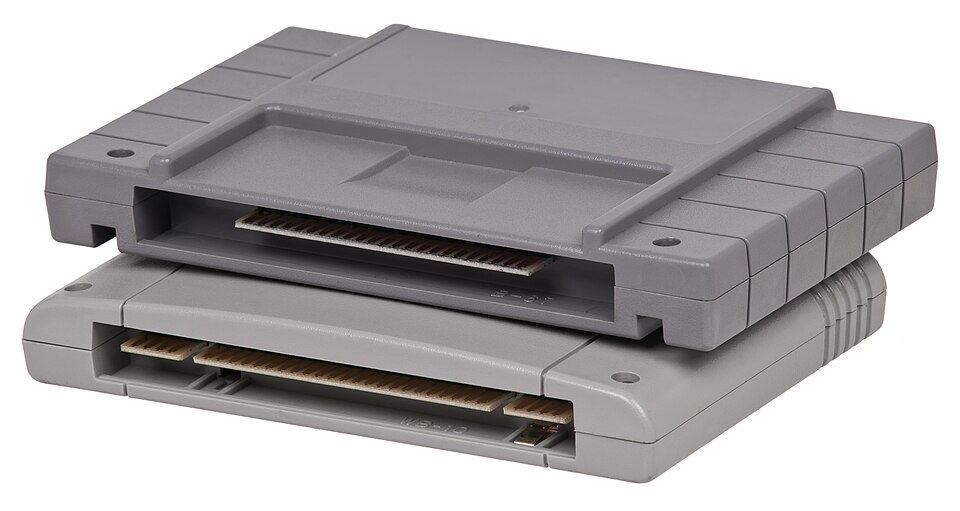
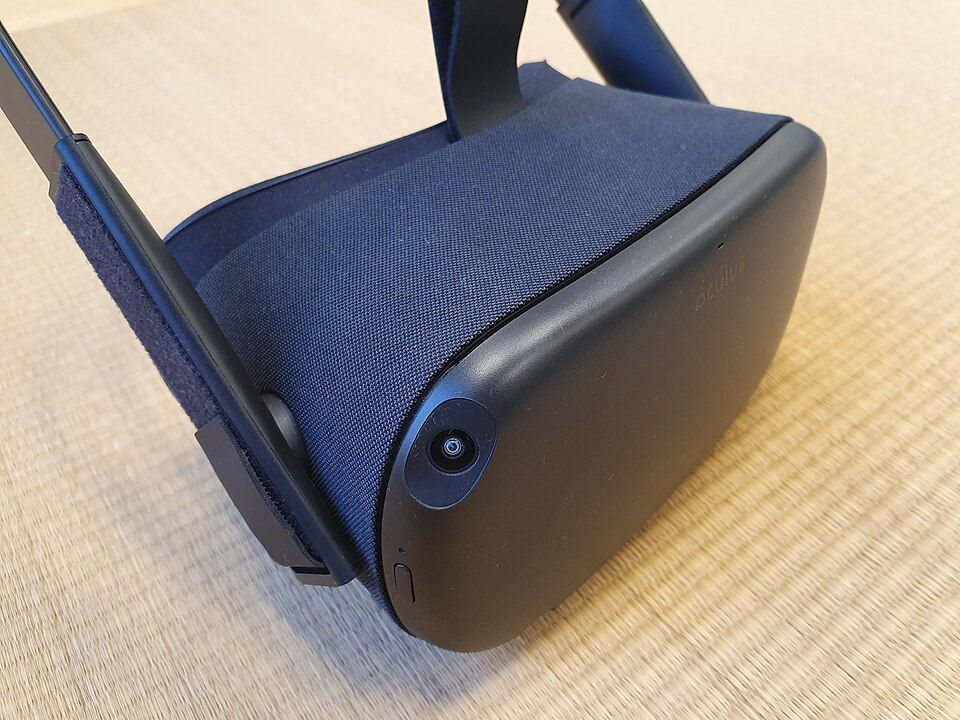
Games consoles, handhelds, controllers, and cables in complete, clean, working order. This stream is data-bearing — console storage can hold residents' accounts, saves, and payment details — so every device is securely erased; handhelds and wireless controllers contain batteries, so loads with batteries also need a Hazardous Waste Consignment Note.
Cables & controllers are essential
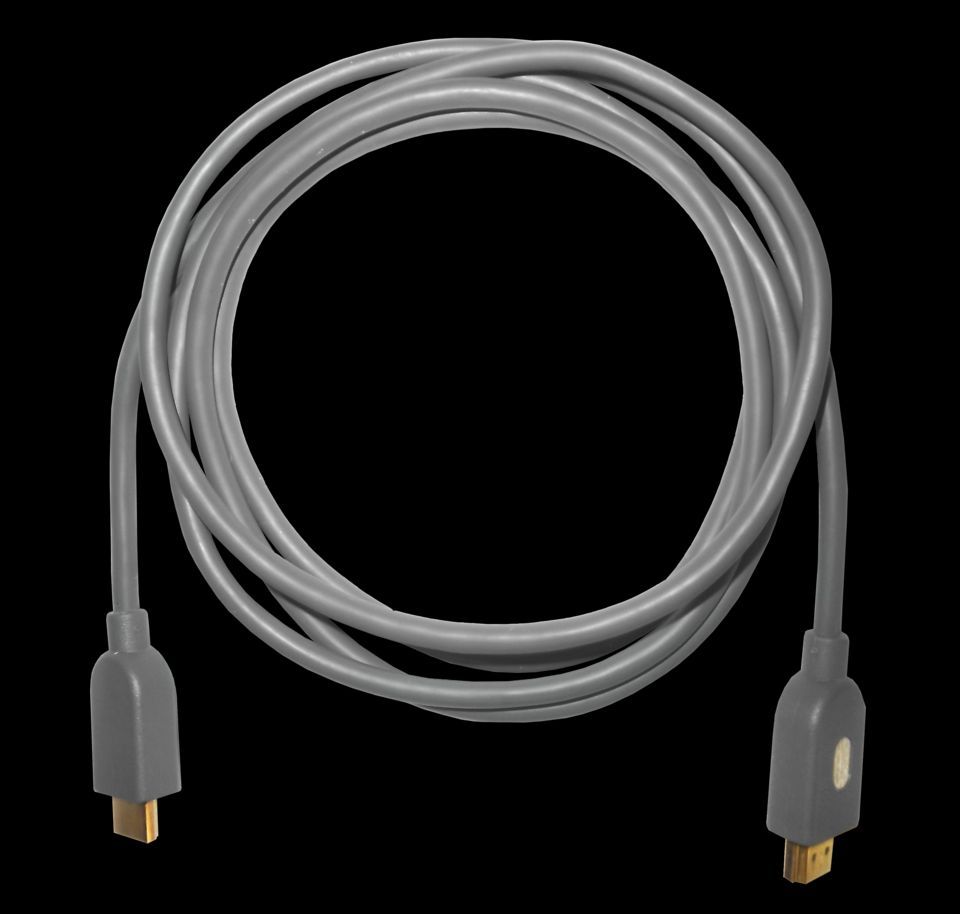
Every console must come with its controller and its cables (power + HDMI/AV), and handhelds must come with their charger. Without them we cannot test, power, or refurbish the console — so it will be rejected. Please keep the controller and cables with the console.
Consoles & gaming — what to set aside for TFix
Green = set aside for TFix. Red = do not set aside. Consoles must include their controller & cables.
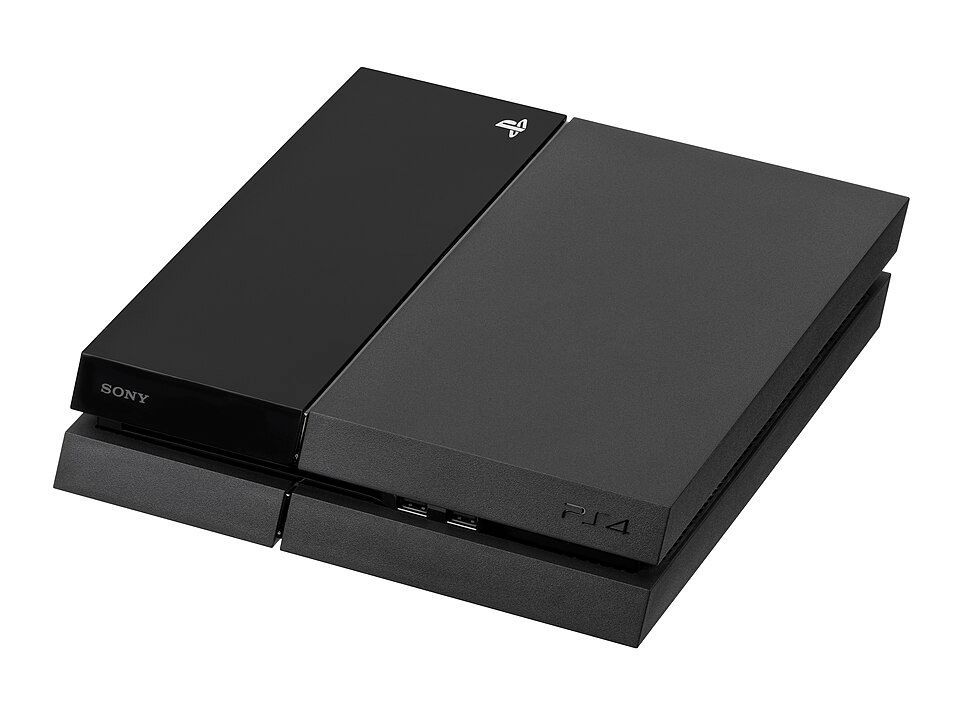 ✓
✓ ✓
✓ ✓
✓ ✓
✓ ✓
✓ ✓
✓ ✗✗✗
✗✗✗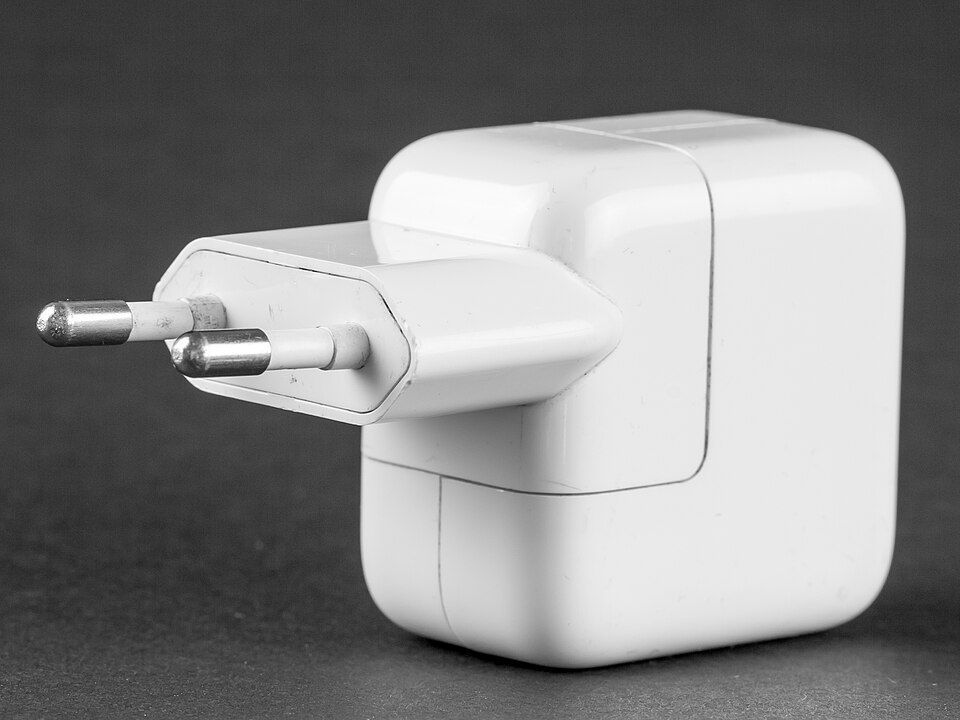 ✗
✗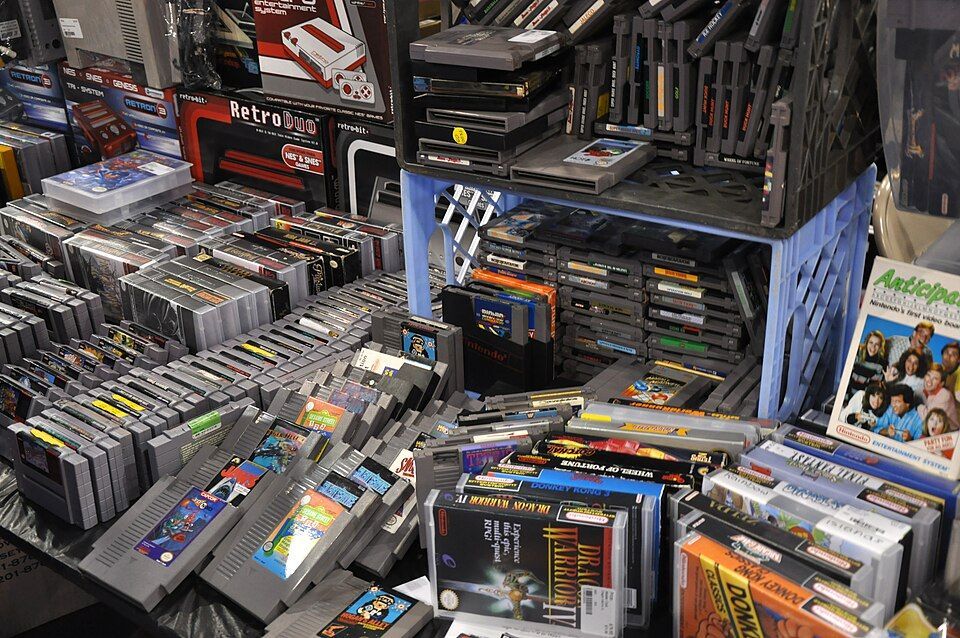 ✗
✗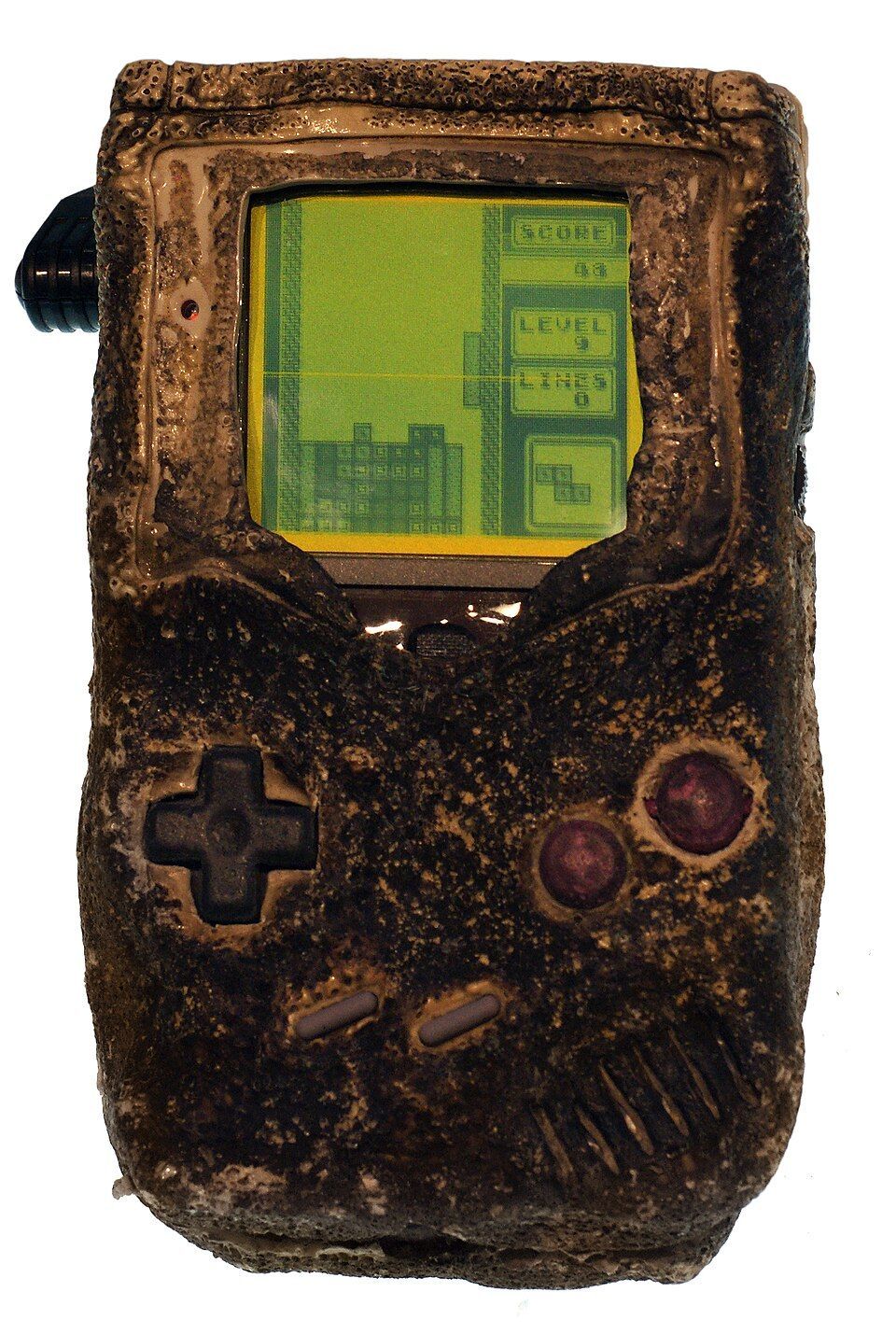 ✗
✗Not sure? Ask your site lead before it goes in the WEEE skip.
Batteries & Circuit Boards
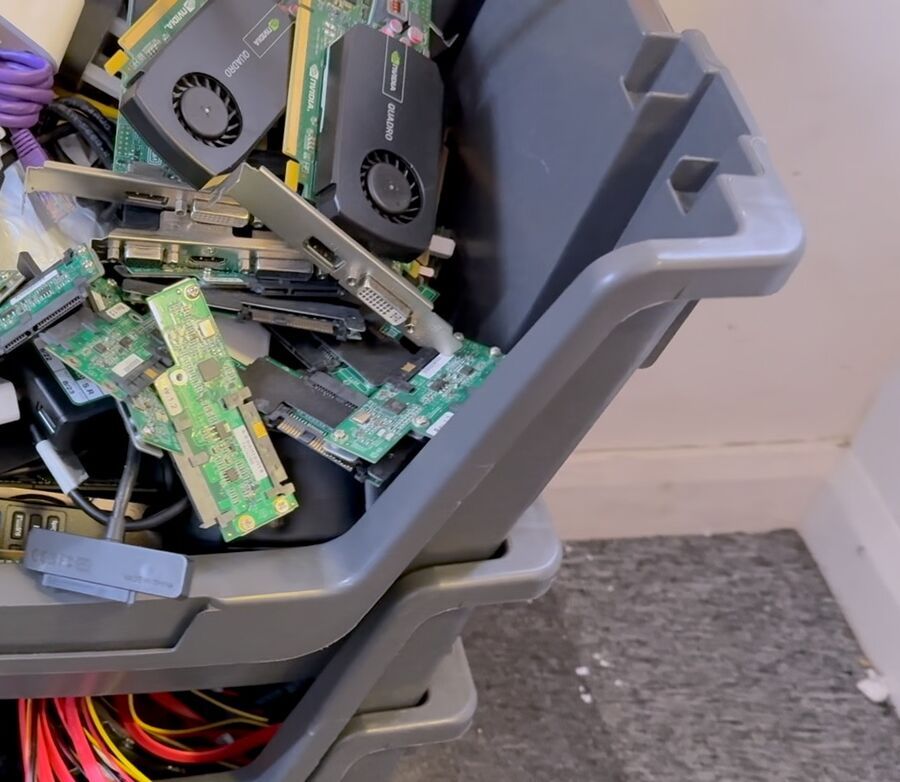
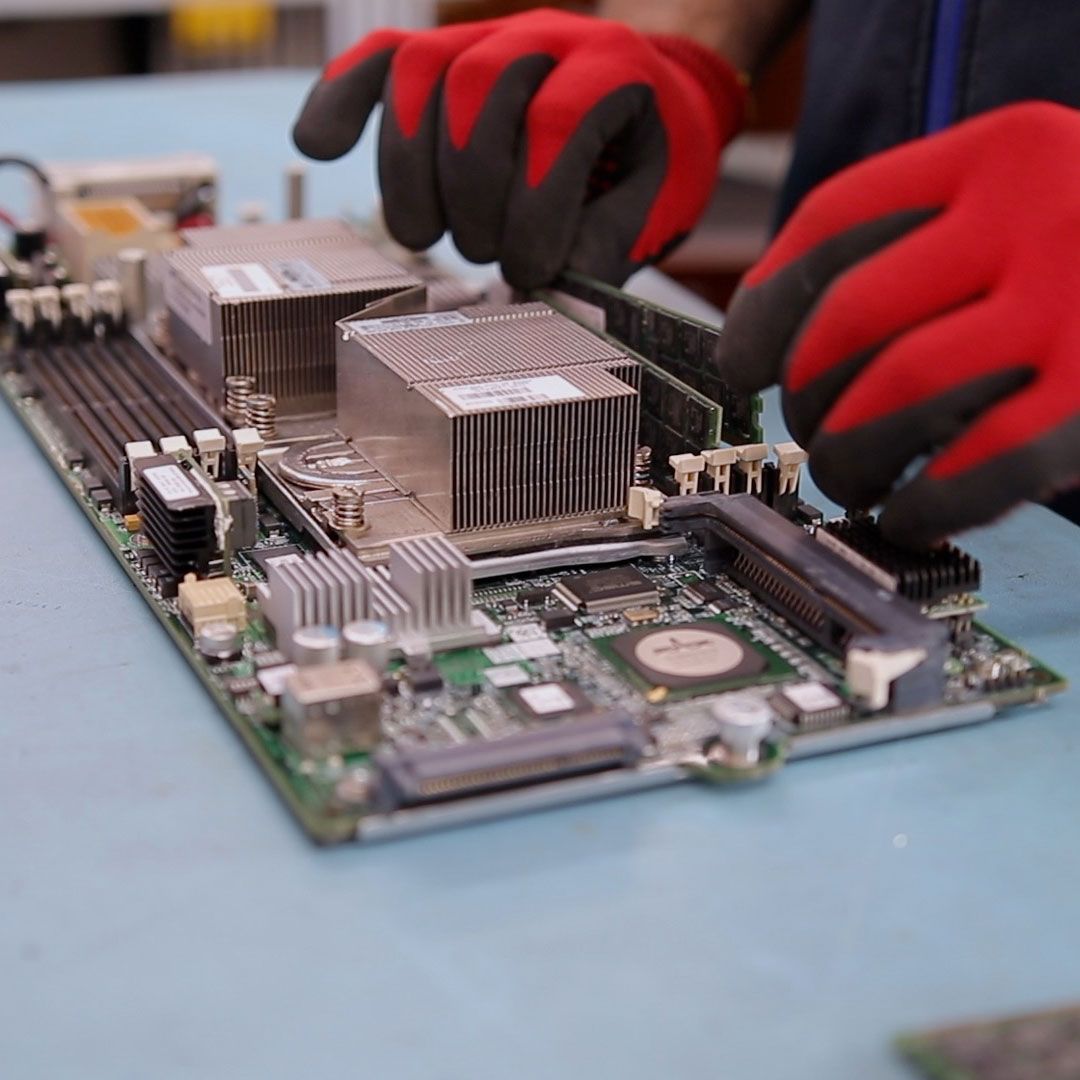
Lead-acid batteries and printed circuit boards (PCBs) set aside whole and undamaged. This stream is hazardous — lead-acid batteries are hazardous waste, so every load needs a Hazardous Waste Consignment Note. Circuit boards hold no personal data, so no Certificates of Destruction are needed for this stream.
Keep batteries upright & boards whole
Set aside whole, undamaged lead-acid batteries only — keep them upright, tape or cover the terminals, and never send cracked or leaking batteries (those stay in the hazardous skip). Keep circuit boards complete — don’t strip, smash, or separate components — so the precious metals can be recovered properly.
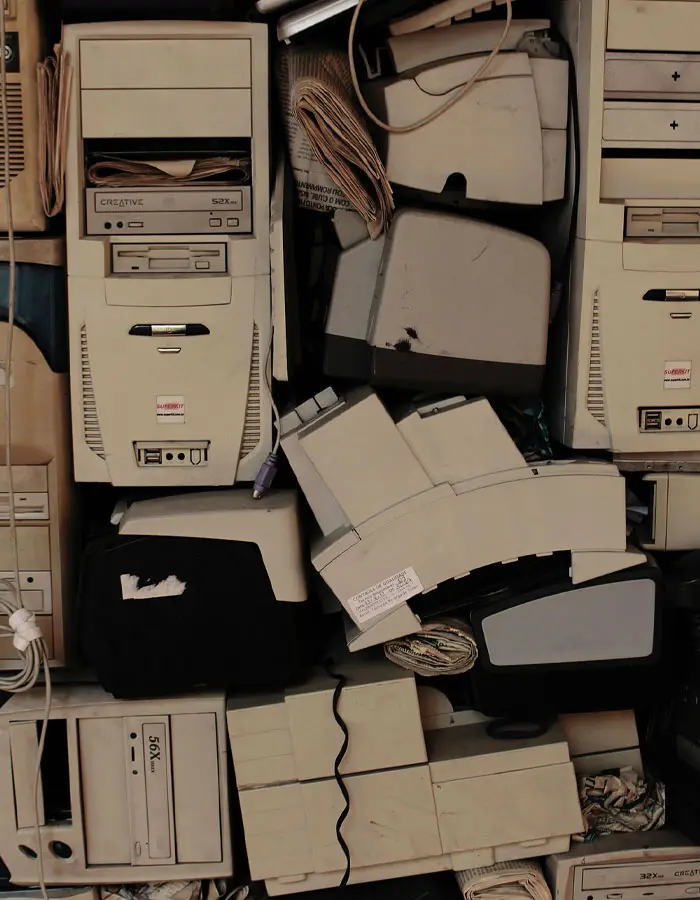
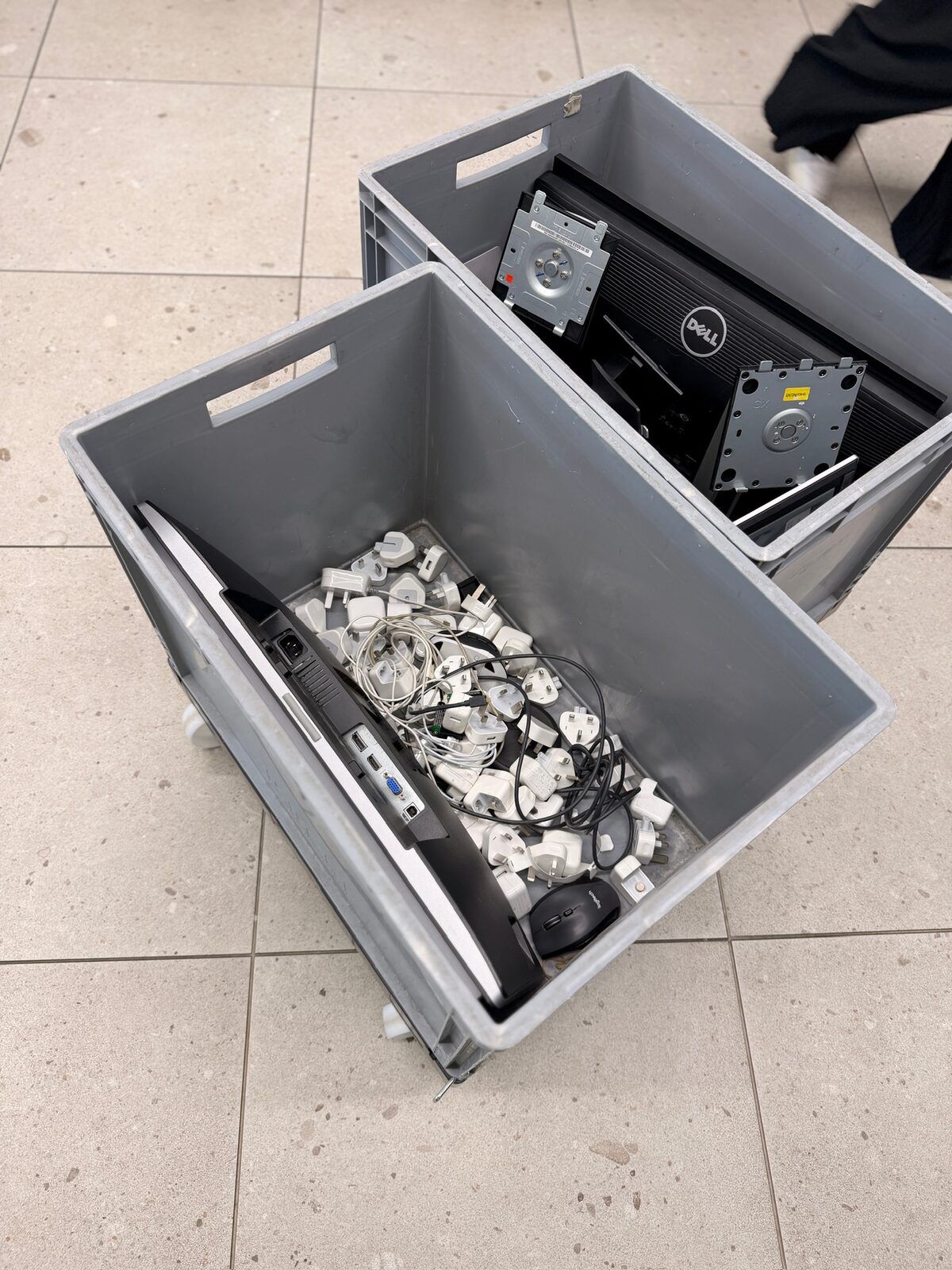
Batteries & circuit boards — what to set aside for TFix
Green = set aside for TFix. Red = do not set aside.
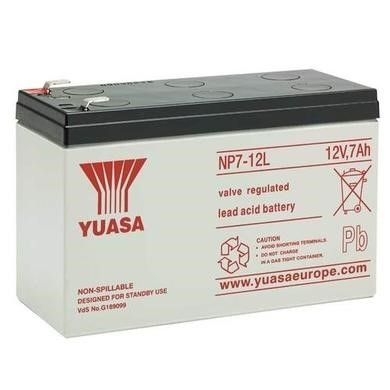 ✓
✓ ✓
✓ ✓
✓ ✗✗
✗✗ ✗
✗Not sure? Leave it in the general WEEE skip and mention it to your site lead — we'll take it from there.
What happens after you set it aside
When you've set aside enough, schedule a collection via the client portal. TFix collects under its Waste Carrier Licence — here's the paperwork that follows, all published to the client portal.
Waste Transfer Note (WTN)
Completed for every collection. Records the handover, the carrier, and what was collected.
Hazardous Waste Consignment Note (HWCN)
Only needed when the stream contains hazardous items such as batteries — not for non-hazardous streams.
Certificate of Destruction (CoD)
Only needed when the stream contains data-bearing devices — per-device evidence of irretrievable erasure.
Asset list
Published to the client portal within 1 week — every device with its asset number.
The collection flow, step by step
Segregate & prepare
Site staff set the stream aside using this guide.
Arrange collection
Book the collection on a preferred day via the client portal.
Collection & paperwork
TFix arrives to collect under its Waste Carrier Licence, raises the Waste Transfer Note on site, and completes a Hazardous Waste Consignment Note for hazardous loads — such as the batteries & circuit boards stream.
Asset logging
Every item is logged and asset-tagged at the facility; the asset list is published to the client portal within 1 week.
Reporting
Sales, refurbishment and diversion data update live on the portal as each item progresses — nothing to chase.
The client portal
Collections, documents, and live reporting all run through the TFix client portal. Book a collection, download the paperwork, and see what we hold — all in one place.
See the portal on the programme page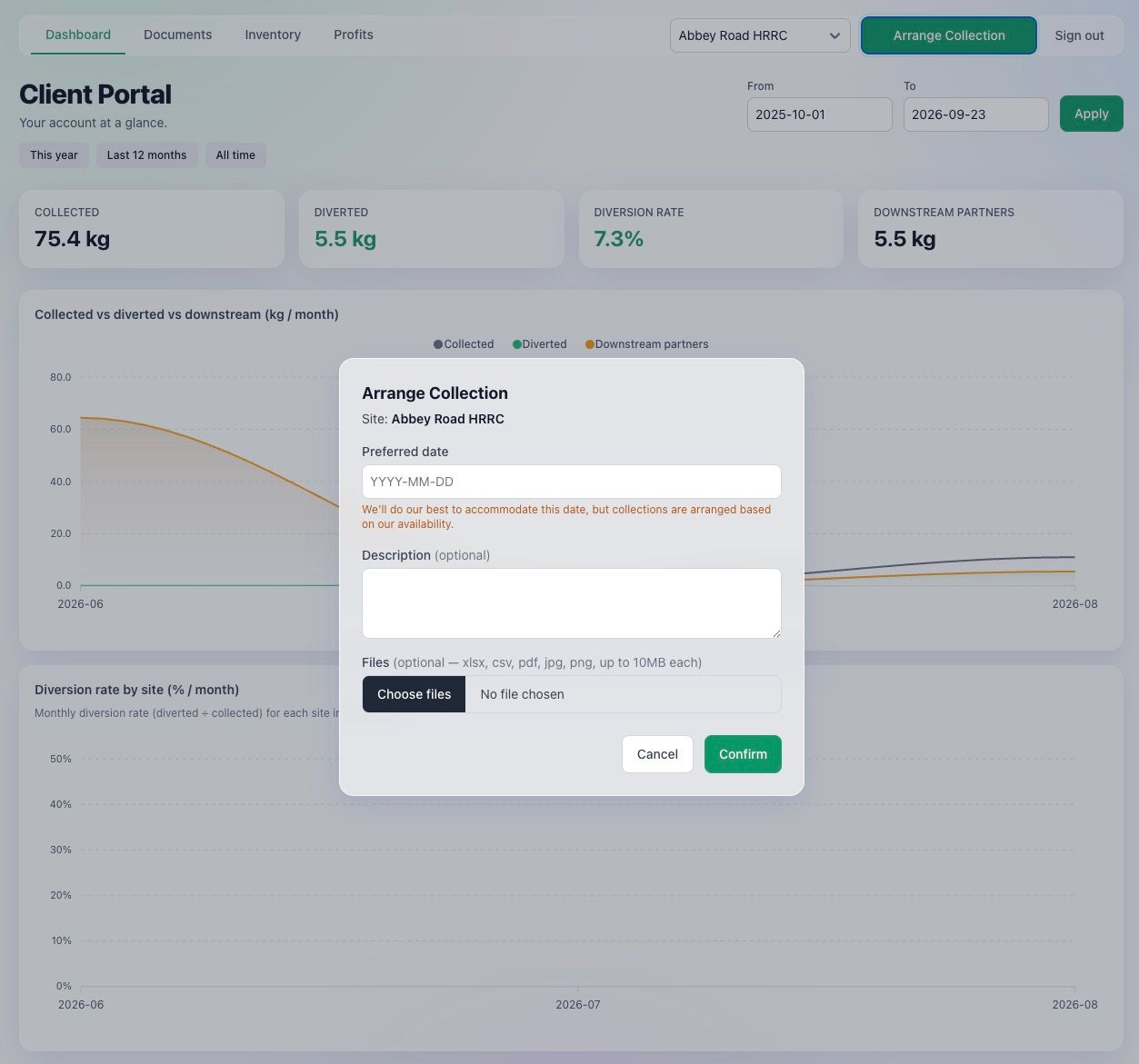
Documentation timeline
When each document is produced and where it lands — everything is published to the client portal, so nothing needs chasing by email.
| When | Document | Where it lands | Applies to |
|---|---|---|---|
| On collection day | Waste Transfer Note | Client portal — raised on site | Every stream |
| On collection day | Hazardous Waste Consignment Note (hazardous loads only) | Client portal | Only if hazardous items |
| Within 1 week | Asset list (devices + asset numbers) | Client portal | Every stream |
| Within 1 month | Certificates of Destruction (nil if none) | Client portal | Only if data-bearing devices |
| Live | Sales / refurbishment & diversion data | Client portal — updates as items progress | Every stream |
Paperwork glossary
The terms used across the stream guides.
- Waste Transfer Note (WTN)
- The standard duty-of-care note completed for every load collected under the scheme. It records who handed the waste over, who received it, and what it was.
- Hazardous Waste Consignment Note (HWCN)
- The note required for hazardous waste such as batteries. It is only needed when a stream contains hazardous items.
- Certificate of Destruction (CoD)
- Per-device evidence that data-bearing media has been irretrievably erased or destroyed. Only applies to streams that contain data-bearing devices.
- End of Waste (EoW)
- The point at which an item stops being waste after a recovery process, has a specific intended use, meets quality standards, and can be used without harming people or the environment.
- Portable Appliance Testing (PAT)
- Electrical safety testing carried out on appliances before they are put back into use.
Back to the Local Authority WEEE Reuse programme
See the full HRRC collection, repair, and community-redistribution service this guide supports.