Your Data Centre Refresh Plan Is Missing a Battery Strategy: UPS, Lithium-Ion and Server-Room WEEE

Data centre refresh projects are often planned around the visible assets: servers, storage arrays, switches, racks and cables.
But one of the highest-risk parts of the room is frequently treated as an afterthought: the battery backup infrastructure.
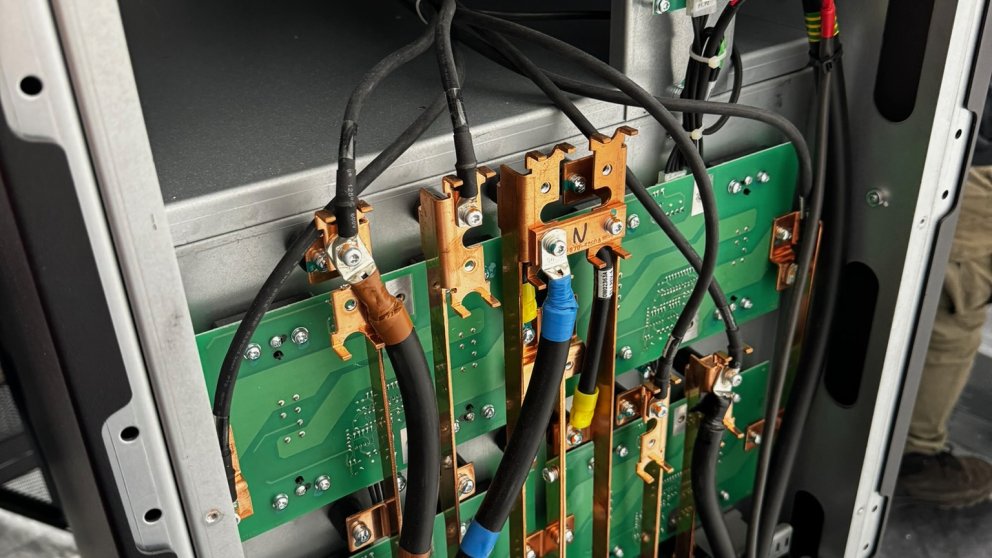
UPS units, battery cabinets, rack-mounted battery packs and lithium-ion systems can create a serious operational, safety and compliance problem when they are removed without a clear plan. They may be heavy, damaged, poorly documented, still connected to critical systems, or unsuitable for routine WEEE collection.
A successful data centre refresh is not simply an IT project. It is an asset, data, transport, safety and waste-management project happening at the same time.
Why Battery Infrastructure Changes the Decommissioning Plan
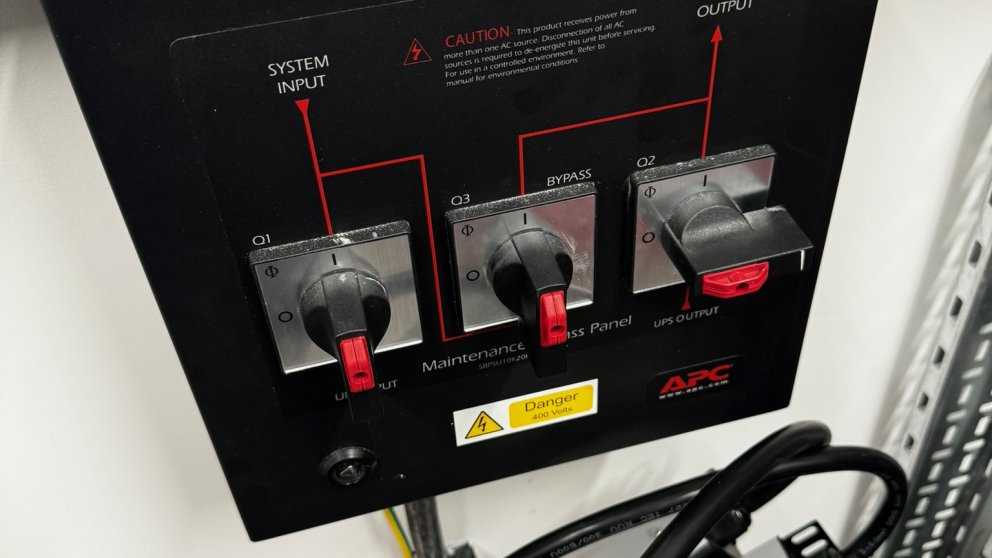
When an organisation replaces legacy hardware, attention naturally goes to data-bearing equipment. Teams want to know that drives are wiped, servers are removed securely and valuable assets are assessed for resale.
That is essential. However, an old UPS or battery cabinet can introduce a different class of risk.
- Battery systems can be extremely heavy and difficult to move safely.
- Older units may contain lead-acid batteries, while newer systems may contain lithium-ion cells.
- Damaged, swollen, leaking or overheating batteries need a different handling approach from intact equipment.
- Battery removal may affect the resilience of live services if undertaken before a controlled shutdown or migration.
- Transport requirements can change depending on the battery chemistry, condition and collection arrangement.
In other words, batteries are not just another line on an asset register. They need to be identified, assessed and scheduled as part of the main project plan.
The Common Mistake: Treating the Server Room as One Collection
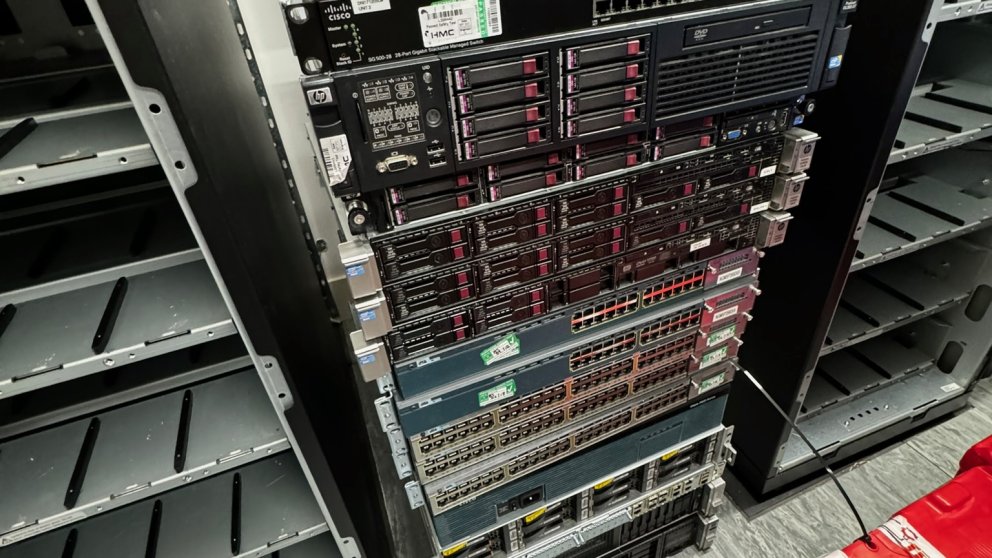
It is tempting to arrange a single collection for all redundant IT equipment. That can work for straightforward, tested and packaged assets, but it becomes risky when the load includes servers, storage, loose drives, UPS systems, battery modules, damaged electronics and mixed WEEE.
Different assets often require different controls. A secure collection process for data-bearing servers is not automatically an appropriate transport plan for a damaged lithium-ion battery. Likewise, a provider collecting reusable IT equipment may not be equipped to assess hazardous or compromised battery units on site.
Before a collection is booked, split the estate into clear streams:
- Reusable IT assets: servers, networking equipment and storage that may have residual value.
- Data-bearing equipment: assets requiring secure erasure, removal or certified destruction.
- Standard WEEE: equipment that is suitable for compliant recycling.
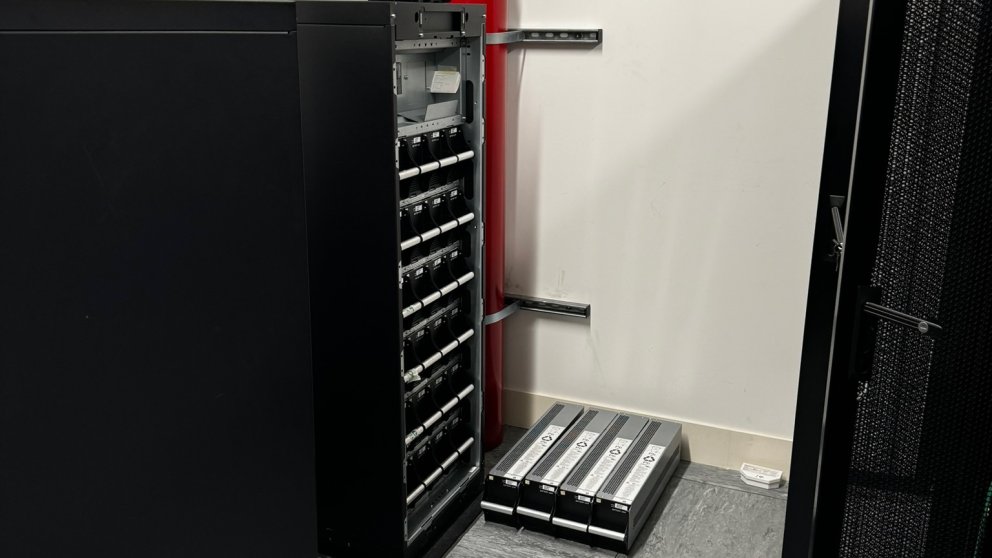
- Battery infrastructure: UPS units, battery cabinets, external battery packs and loose cells.
- Damaged or abnormal items: equipment showing signs of swelling, leakage, corrosion, heat damage or physical impact.
This classification makes the collection safer, faster and easier to evidence during an audit.
Build an Accurate Battery Inventory Before Collection
A battery strategy begins before anyone starts disconnecting equipment. The project team should identify what is present, where it is located and what condition it is in.
For each UPS system or battery cabinet, record:
- Manufacturer, model and serial number.
- Battery chemistry where known.
- Quantity of modules or individual batteries.
- Approximate age and service history.
- Physical condition, including visible swelling, damage, corrosion or leaks.
- Whether the equipment remains connected to live infrastructure.
- Access constraints, such as stairs, raised floors, loading-bay distance or restricted lift access.
This inventory is useful for more than disposal. It helps facilities, IT, health and safety, and your collection provider agree the correct method before collection day.
The Big Danger: Damaged Lithium-Ion Batteries
Lithium-ion technology is increasingly used in modern UPS systems because it can offer a smaller footprint and a longer service life than some traditional alternatives. It also requires careful planning when equipment reaches end of life.
A battery that appears physically compromised should never be treated as normal office WEEE. Swelling, heat damage, impact damage, smoke exposure, leakage or abnormal odours are all reasons to stop and seek specialist advice.
The practical lesson is simple: do not wait until the collection vehicle arrives to discover that a battery is damaged. Flag it during the survey, share photographs where appropriate and make sure the collection arrangement is designed around its condition.
Protect Uptime Before You Protect Scrap Value
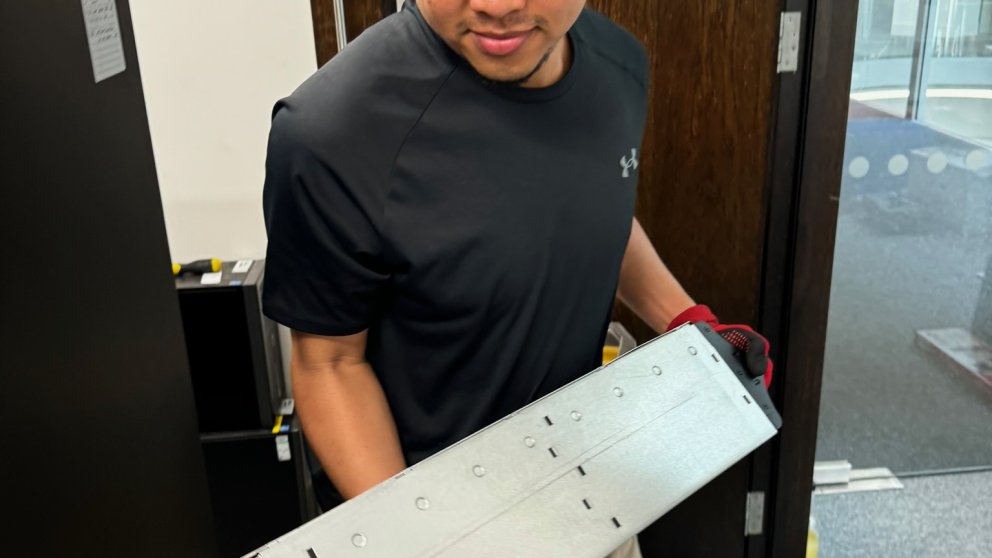
Data centre refreshes are usually driven by performance, capacity, security or energy-efficiency goals. That can create pressure to remove old equipment quickly. But battery systems may still be supporting a live UPS, emergency shutdown process or critical equipment during the migration.
Before removal, confirm:
- Which services remain dependent on the UPS system.
- Whether an approved shutdown or failover window is required.
- Who is authorised to isolate electrical equipment.
- Whether facilities management, electrical contractors and IT teams have agreed the sequence of work.
- How the equipment will be made safe before it is moved.
A rushed collection can turn a straightforward retirement project into an avoidable outage. The safest approach is to make the battery-removal sequence part of the same change-control process as the server migration.
Maintain an Auditable Chain of Custody
When a server room is cleared, organisations need to account for more than the equipment with hard drives. They should be able to show what left site, who collected it, where it went and how it was treated.
For battery infrastructure and WEEE, retain records that support your waste-duty-of-care process. For data-bearing assets, retain the relevant erasure, destruction or downstream asset-recovery evidence. The exact documents will depend on the equipment and service, but the principle stays the same: every asset stream should be traceable.
This is particularly important for regulated organisations, multi-site businesses and teams responding to supplier, cyber-security or ESG audits.
Do Not Overlook Asset Recovery Value
A battery strategy should not overshadow the value in the rest of the estate. Servers, switches, memory, processors, enterprise SSDs and networking equipment may still have reuse value after secure data handling and technical assessment.
Separating reusable assets from standard WEEE can improve recovery value while reducing unnecessary disposal. It also supports the waste hierarchy by prioritising reuse where appropriate before recycling.
The best outcome is not merely an empty server room. It is a controlled process that protects data, keeps people safe, maximises reuse and produces a clear evidence trail.
Data Centre Refresh Checklist
- Create a complete inventory of servers, storage, network equipment, UPS units and battery systems.
- Identify battery chemistry, physical condition and access constraints before booking collection.
- Separate reusable IT, data-bearing assets, standard WEEE and battery infrastructure.
- Escalate damaged or abnormal batteries before collection day.
- Agree shutdown, isolation and removal responsibilities with IT and facilities teams.
- Use a provider that can support secure collection, compliant WEEE treatment and documented chain of custody.
- Retain collection, data-destruction and recycling evidence for your records.
Plan the Whole Retirement, Not Just the Server Removal
AI, cloud migration and infrastructure upgrades are accelerating data centre refresh cycles. That makes controlled IT retirement more important than ever.
Servers may be the most visible part of the project, but UPS and battery systems can determine whether the final phase is safe, compliant and disruption-free. Build the battery strategy in from the start, and your refresh project will be far easier to manage from first inventory to final certificate.
TFix can help organisations plan secure IT decommissioning, data destruction, asset recovery and compliant WEEE collection for data centre and server-room refresh projects.
Ready to act on this?
Book a free ITAD assessment, compare your destruction options, or review provider-selection guidance before choosing a partner.
Need help with this in your organisation?
Book the matching service directly based on this article topic.