Scope 3 Emissions and Corporate Tech: How to Report ITAD in Your ESG Strategy

As UK companies try to be more eco-friendly, they have to look at the big picture. It isn't just about turning off the office lights anymore. Today, businesses must track the environmental impact of everything they use—including their technology.
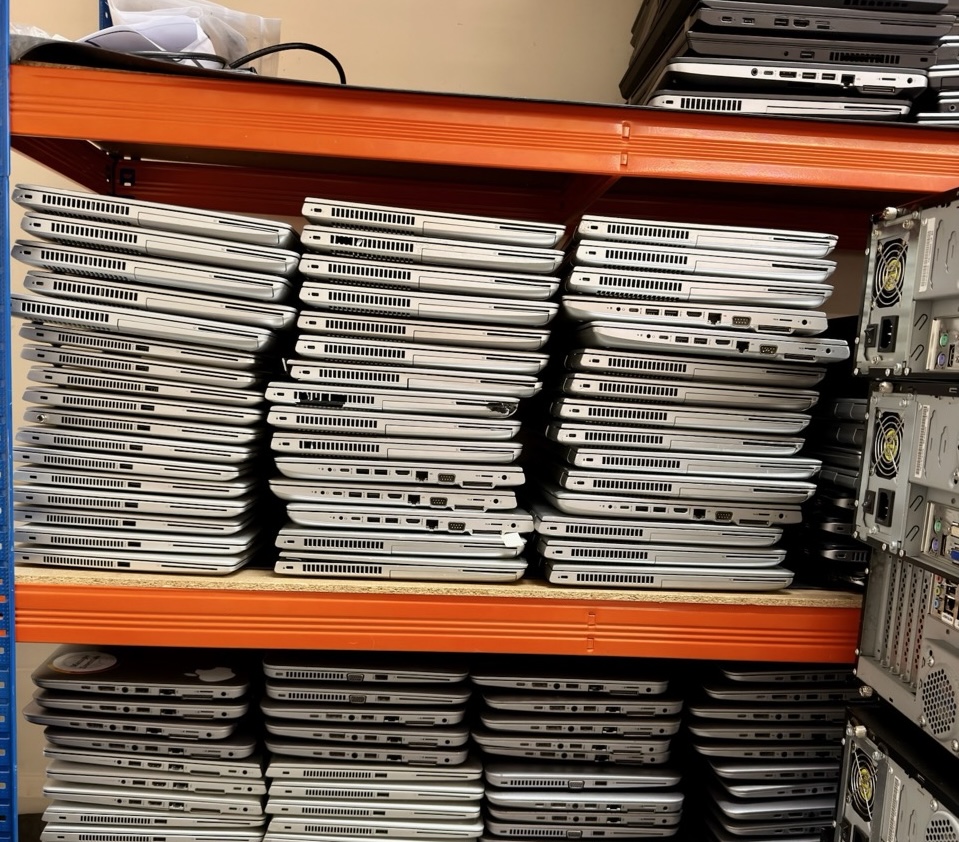
When a company buys new laptops or throws away old servers, it creates a carbon footprint. Tracking the electricity used in the office is easy. But tracking the pollution caused by old computers after they leave the building is much harder.
In this guide, we will break down how to handle old office tech, how it affects your company's green goals, and how to measure your success.
What Are Scope 3 Emissions in Office Tech?
Greenhouse gas emissions (the pollution that causes climate change) are split into three groups, called "scopes":
-
Scope 1: Direct pollution from things the company owns (like exhaust from company cars or vans).
-
Scope 2: Indirect pollution from energy the company buys (like the electricity used to power the office).
-
Scope 3: All other indirect pollution in the company's network. This includes everything from making the products you buy to throwing away old items.
For most businesses, Scope 3 makes up the biggest part of their carbon footprint—often around 70%!
When it comes to office computers, Scope 3 emissions happen at two times:
-
The Beginning: The carbon footprint created when the factory makes and ships a new laptop to your office.
-
The End: The carbon footprint created when you recycle, reuse, or throw away that laptop. This end-of-life stage is where IT Asset Disposition (ITAD) comes in.
[Your Company's Carbon Footprint]
 ├── Scope 1: Direct Pollution (Company Cars)
 ├── Scope 2: Energy Pollution (Office Electricity)
 └── Scope 3: Network Pollution (Buying and Throwing Away Tech)
Why Smart IT Disposal is a "Quick Win" for the Planet
Changing how a factory makes a product can take years. But changing how your company disposes of old tech can help the planet immediately.
The way you choose to get rid of old computers completely changes your carbon footprint:
1. The Landfill (The Worst Choice)
Throwing electronics in the rubbish bin breaks UK WEEE recycling laws. It also gives your company a terrible environmental score. Electronics in landfills leak harmful chemicals and do nothing to help the planet.
2. Shredding & Recycling (The Okay Choice)
Smashing hard drives and melting down metals prevents electronic waste (e-waste) from going to the local tip. This is a good start. However, the heavy machines used to melt down and recycle metals use a massive amount of energy.
3. Secure Wiping and Reuse (The Best Choice)
The greenest computer is the one that already exists! When you use special software to securely wipe data off a laptop instead of physically destroying it, that laptop can be refurbished. Someone else can use it. By keeping an old computer alive, you save the planet from having to manufacture a brand-new one.
Read our guide on [Can You Securely Wipe and Reuse an SSD?]
How to Track and Report Your Tech Recycling Data
To show investors and customers that your business is truly green, you cannot just guess your numbers. You need real proof. Here is how to do it:
Step 1: Track Every Item
Work with an IT disposal partner who tracks your equipment from the moment it leaves your building. You need a list showing exactly what was taken and how much it weighed. Weight is the most important number used to calculate carbon savings.
Step 2: Get a Green Report
Your disposal partner should give you an official WEEE Recycling Certificate. This document should show:
-
The total weight of electronics saved from the dump.
-
How much equipment was shredded versus how much was saved to be reused.
-
The exact amount of carbon emissions you saved (measured in kilograms of CO2).
Step 3: Put It in Your Annual Sustainability Report
When you write your company's annual eco-report, add these tech savings to your Scope 3 data. This proves to everyone that you are cutting down on waste and minimising your impact on the environment.
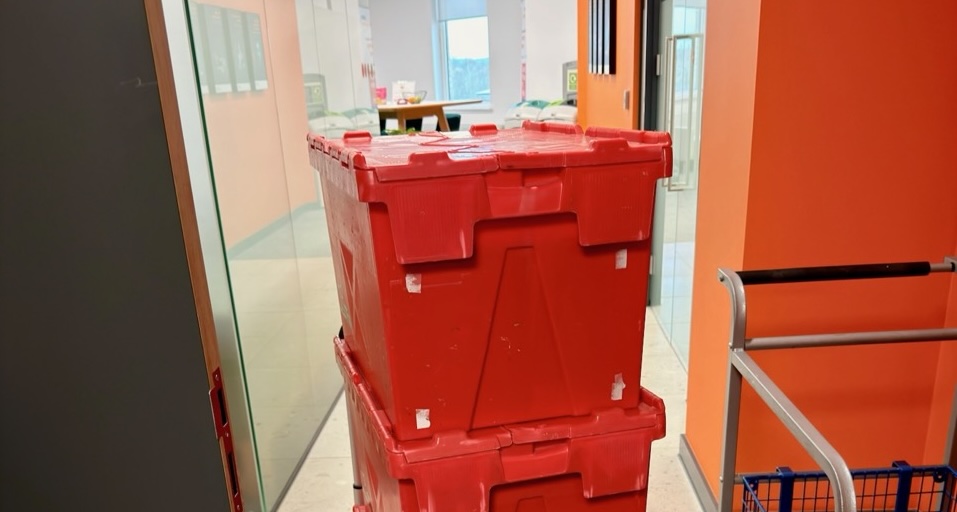
Calculate Your Tech Carbon Savings in Seconds
In the past, turning a pile of old laptops into a real carbon number was incredibly difficult. It required a lot of complicated maths.
To make things easy, we built the TFix UK WEEE and Carbon Calculator.
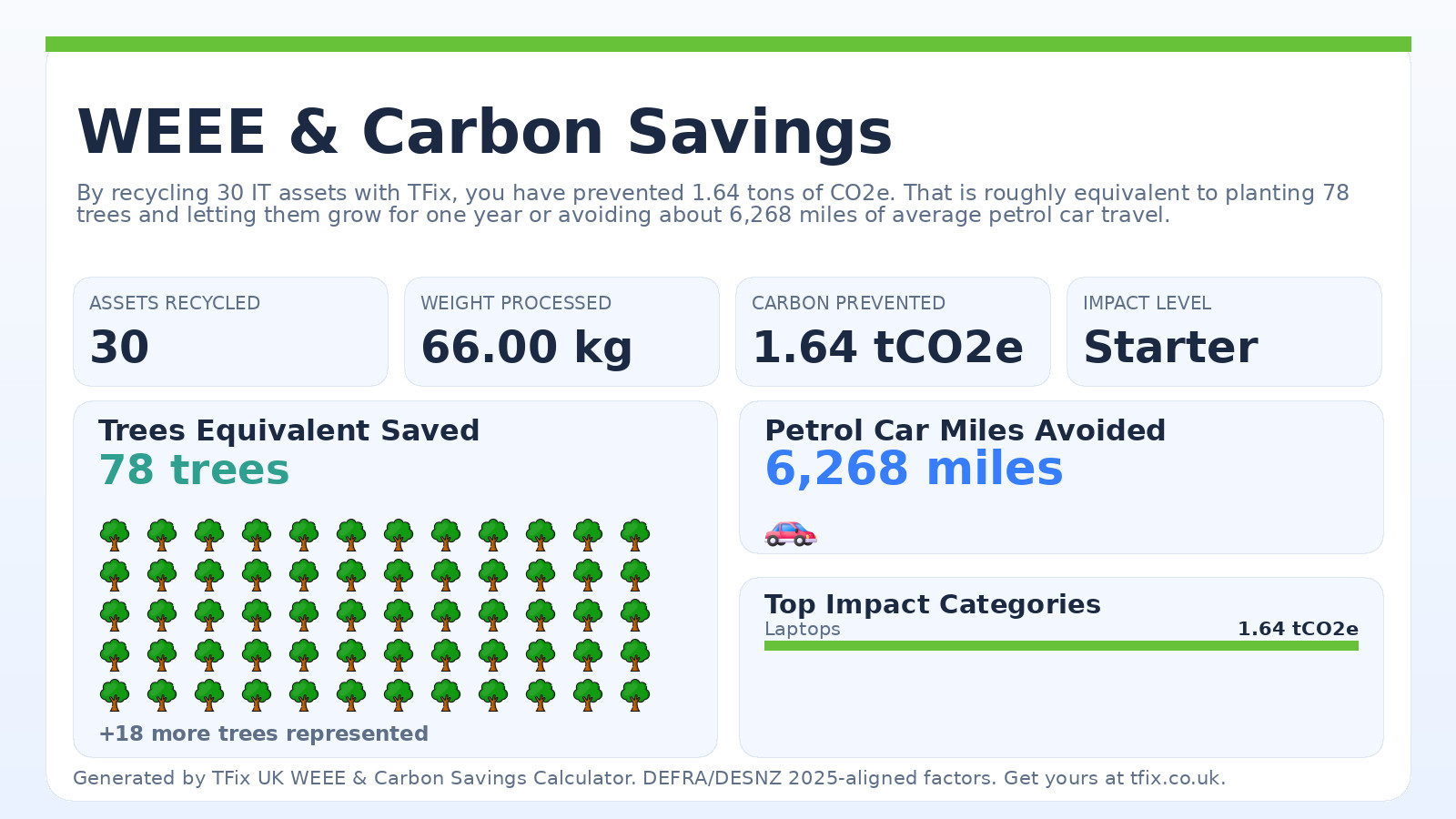
If your business is getting ready to upgrade its computers or clean out an old office, you don't have to guess your environmental impact. Just type your list of equipment into our calculator. It will instantly show you how much carbon you can save by recycling properly.
Ready to act on this?
Book a free ITAD assessment, compare your destruction options, or review provider-selection guidance before choosing a partner.
Need help with this in your organisation?
Book the matching service directly based on this article topic.