Office IT Decommissioning Checklist for UK Businesses (2026 Edition)

When it is time to upgrade your office computers, you must follow a clear process to protect your data and stay compliant with UK laws. This 2026 guide simplifies the task of clearing out old hardware.
1. Essential Device Unlocking
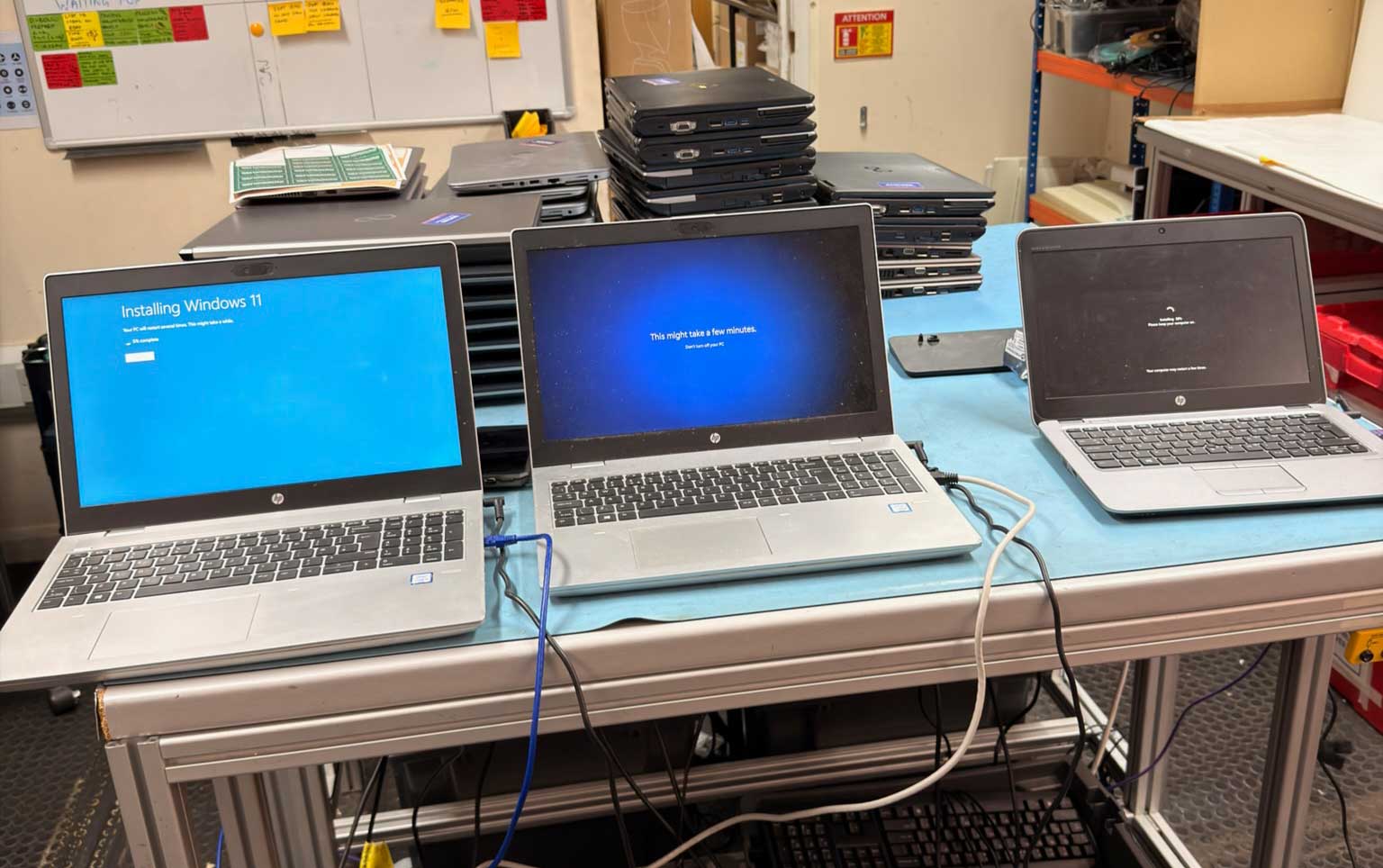
Before the equipment is collected, you must ensure it is accessible. If a device is locked, it cannot be refurbished or properly processed.
-
Remove BIOS Passwords: Ensure there are no startup passwords on any laptops or PCs.
-
Remove MDM (Mobile Device Management): Unlink all devices from management systems like Intune or Jamf.
-
Sign Out of Cloud Accounts: Make sure all users have signed out of iCloud, Google, or Windows accounts.
2. Create a Simple Asset List
You do not need to check the condition of each item, as your recycling partner will take everything regardless of its state.
-
Log Serial Numbers: Write down the serial numbers or asset tags of the equipment being retired. This helps you track exactly what has left your building.
-
Ignore Condition: Do not waste time testing equipment or grading its quality; the processing centre handles all testing upon arrival.
3. Arrange the Collection
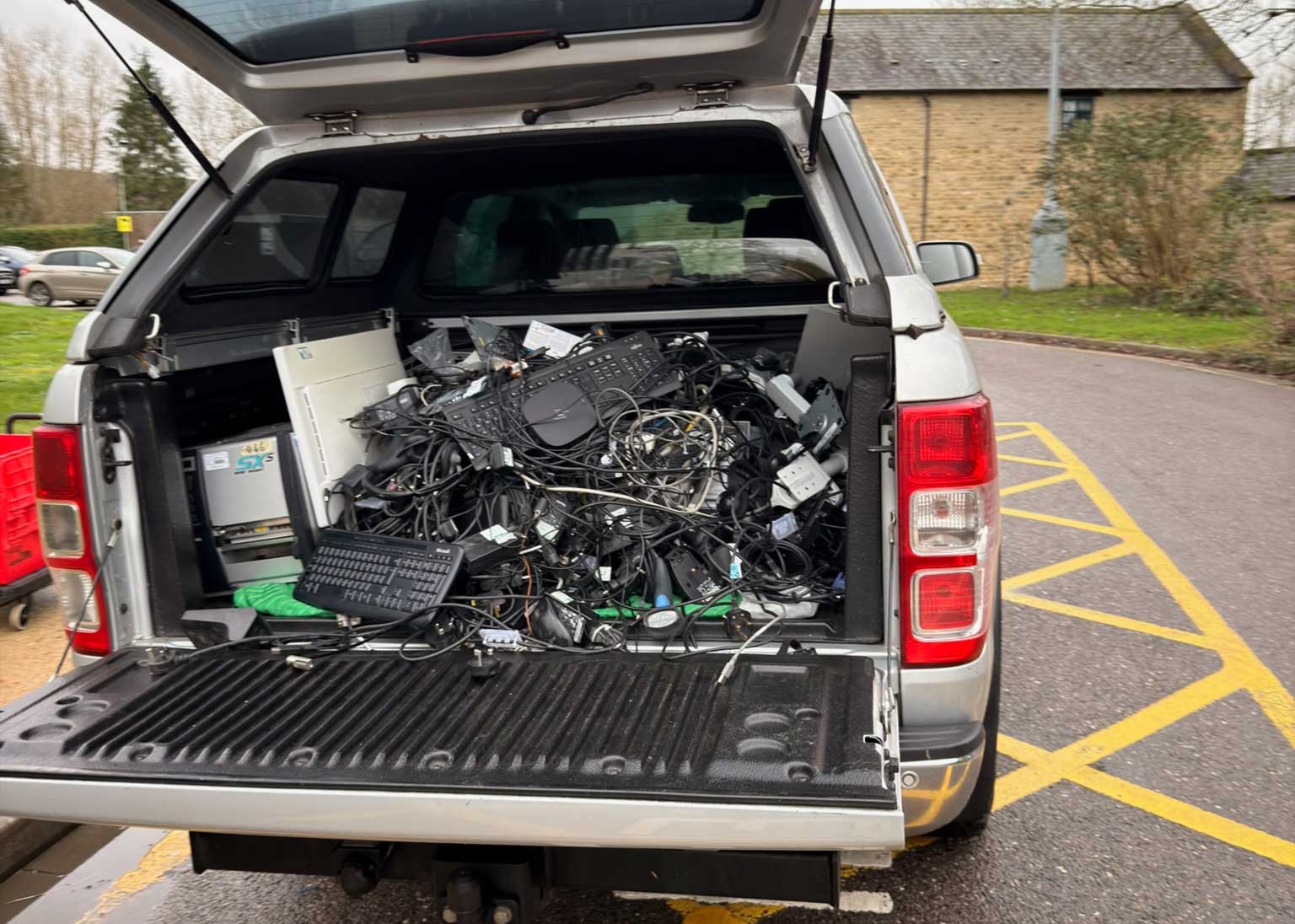
Organising the removal of your hardware is a coordinated effort with your recycling partner.
-
Book the Pickup: Contact your recycling company to schedule a date.
-
Provide Site Instructions: The company will ask for specific details, such as where the van can park, building access codes, and contact details for your security team.
4. Professional Data Destruction
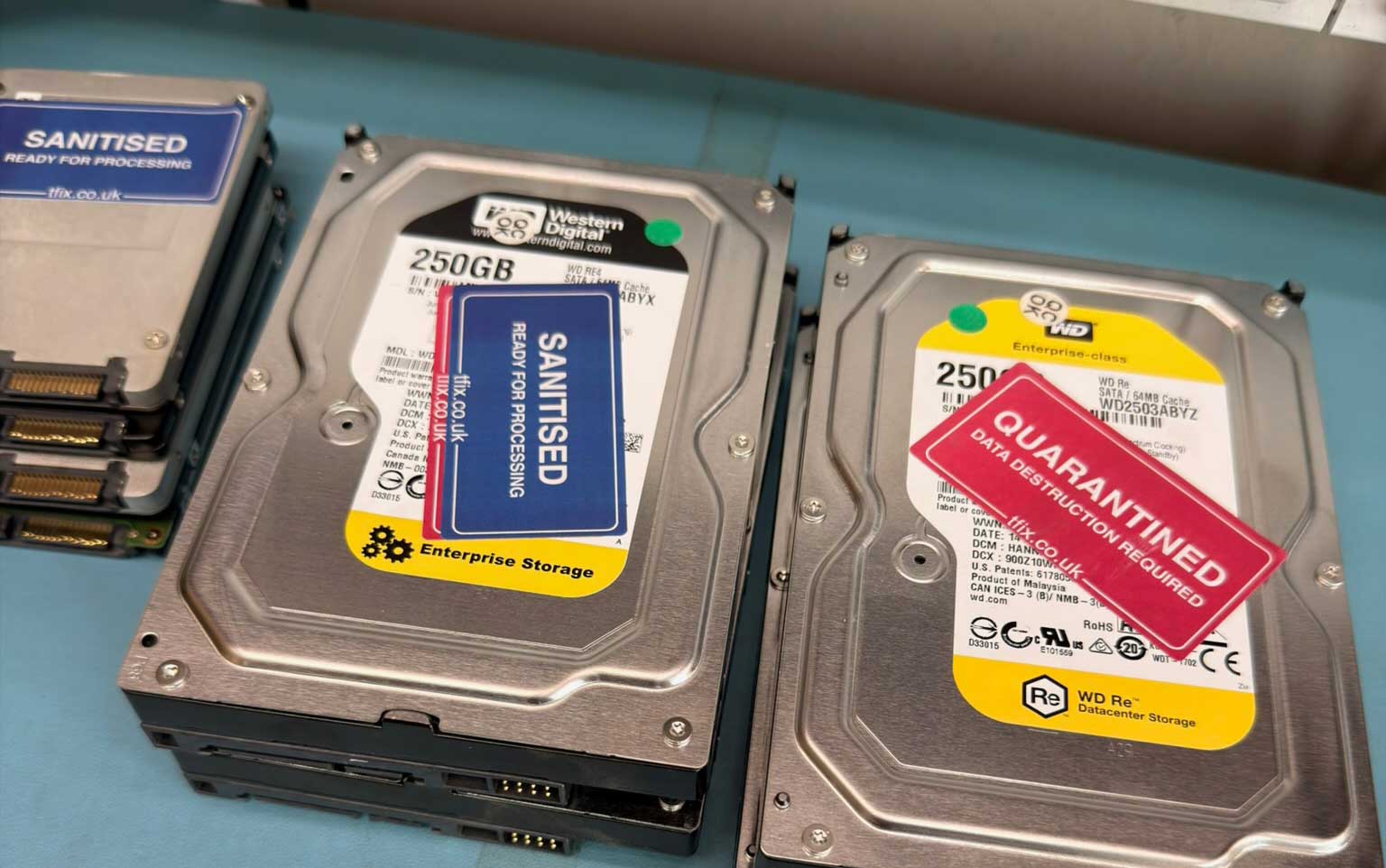
You do not need to wipe the data yourself. A specialist company like TFix handles the entire process.
-
Certified Wiping: All data-bearing devices are wiped using professional tools that meet high security standards.
-
Physical Shredding: If a drive is faulty and cannot be wiped, it is physically destroyed.
-
Legal Proof: You will receive a Certificate of Erasure for every device. This is your official proof for GDPR audits.
5. Choosing the Correct Recycling Route
Every item collected is classified to ensure legal compliance. Getting this wrong creates a major audit risk for your business.
-
Route A (Waste Destruction): Use this if your company policy forbids any reuse. Items are physically shredded. You receive a Waste Transfer Note (WTN) and a Certificate of Destruction.
-
Route B (Waste Recovery): Use this if the items are waste but you allow them to be fixed or used for parts. You receive a WTN, and the value of recovered parts is credited against your bill.
-
Route C (Asset Recovery - Goods): Use this if the equipment is still valuable and you are transferring ownership for reuse. These are legally "goods," not "waste." You sign an Asset Ownership Transfer Agreement instead of a WTN.
6. Financial Recovery and Social Impact
Retiring old tech can actually bring money back into your business or help the local community.
-
Profit Sharing: If your gear is sold under Route C, you receive a share of the profit.
-
Connected Classrooms: You can choose to send the value of your old tech to local schools to provide them with Chromebooks and tablets.
-
WEEE Compliance: For Routes A and B, anything that cannot be reused is broken down for raw materials, ensuring 0% of your waste goes to a landfill.
Frequently Asked Questions
Do I need to wipe my hard drives before collection? No. TFix performs professional data destruction on all devices. You will receive a certificate for every item to prove the data is gone.
What happens if a device is broken and cannot be wiped? If the software cannot wipe the drive, the hardware is physically crushed or shredded. This makes it impossible for anyone to recover the data.
How do I know if my items are "Waste" or "Goods"? If you are throwing them away or they are for scrap, they are "Waste." If you expect them to be reused or sold, they are "Goods." TFix will help you choose the right legal route to keep your paperwork correct.
How long does it take to receive my share of the profits? For items sold through the Asset Recovery programme, payments are usually issued within 30 to 90 days after the sale is finished.
Conclusion
Modern IT decommissioning is about more than just clearing out a cupboard. By following this checklist, you protect your company from data leaks and legal fines. Using the right recycling routes ensures you meet UK environmental laws while potentially recovering money or helping local schools through the Connected Classrooms project. Proper planning turns a logistics task into a win for your business, the community, and the planet.
Need help with this in your organisation?
Book the matching service directly based on this article topic.