7 IT Disposal Shortcuts That Aren’t Worth the Risk
Most data breaches don’t happen because someone gets hacked.They happen because old IT equipment was disposed of — and everyone assumed the risk was gone. IT disposal i...

Most data breaches don’t happen because someone gets hacked.
They happen because old IT equipment was disposed of — and everyone assumed the risk was gone.
IT disposal is often treated as an operational afterthought. Equipment is collected, drives are wiped, certificates are filed away, and the business moves on. The problem is that many of the “normal” shortcuts taken in this process are exactly what create breaches, audit failures, and regulatory exposure later.
Below are seven of the most common IT disposal shortcuts organisations take — usually to save time or money — and why they aren’t worth the risk.
Shortcut #1 — Assuming Collection Means Responsibility Transfer
Collection does not equal compliance.
One of the most common assumptions is that once equipment is collected, responsibility transfers with it. It doesn’t.
Under GDPR and most sector regulations, responsibility follows the data — not the truck. If a drive resurfaces later with recoverable data, the organisation that originally owned that data remains accountable, regardless of who collected the hardware.
Collection is a logistics event. Compliance is a documentation event.
Shortcut #2 — Treating Deletion or Formatting as Destruction
Deleting files or formatting a drive does not make data unrecoverable.
On both HDDs and SSDs, deletion typically removes the index, not the underlying data. In many cases, large portions of that data remain intact and recoverable using basic tools.
This assumption is one of the most common causes of data exposure during resale, recycling, or refurbishment.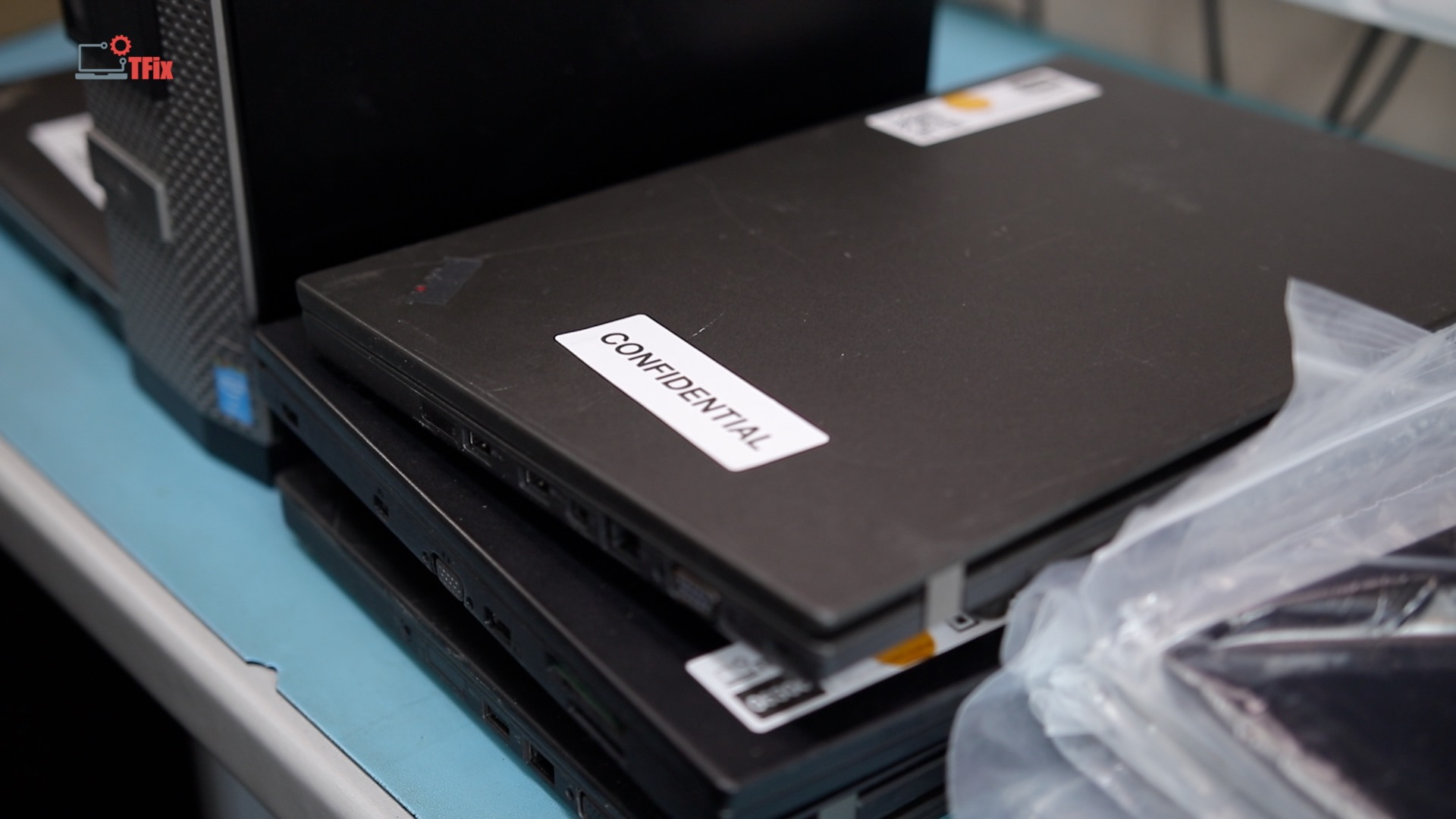
Shortcut #3 — Using One-Click Wipe Tools Without Verification
Running a wipe tool and assuming it worked is not compliance.
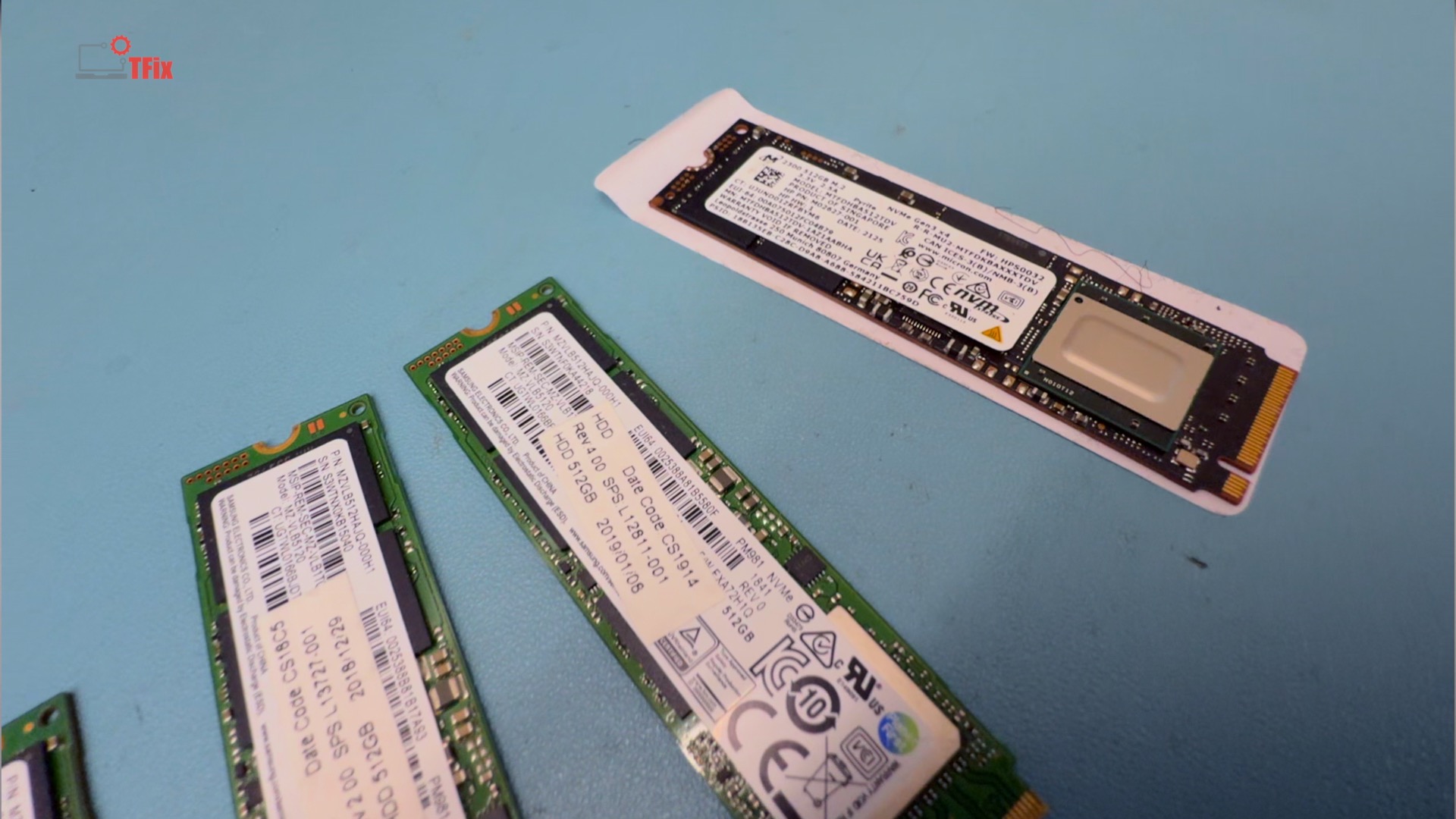
Wipes fail. Some partially complete. Some report success while leaving recoverable data behind — particularly on SSDs and hybrid storage. Without full verification and per-device reporting, there is no evidence the data was actually removed.
And without evidence, there is no compliance.
A wipe without verification is just a claim.
Shortcut #4 — Treating SSDs Like Hard Drives
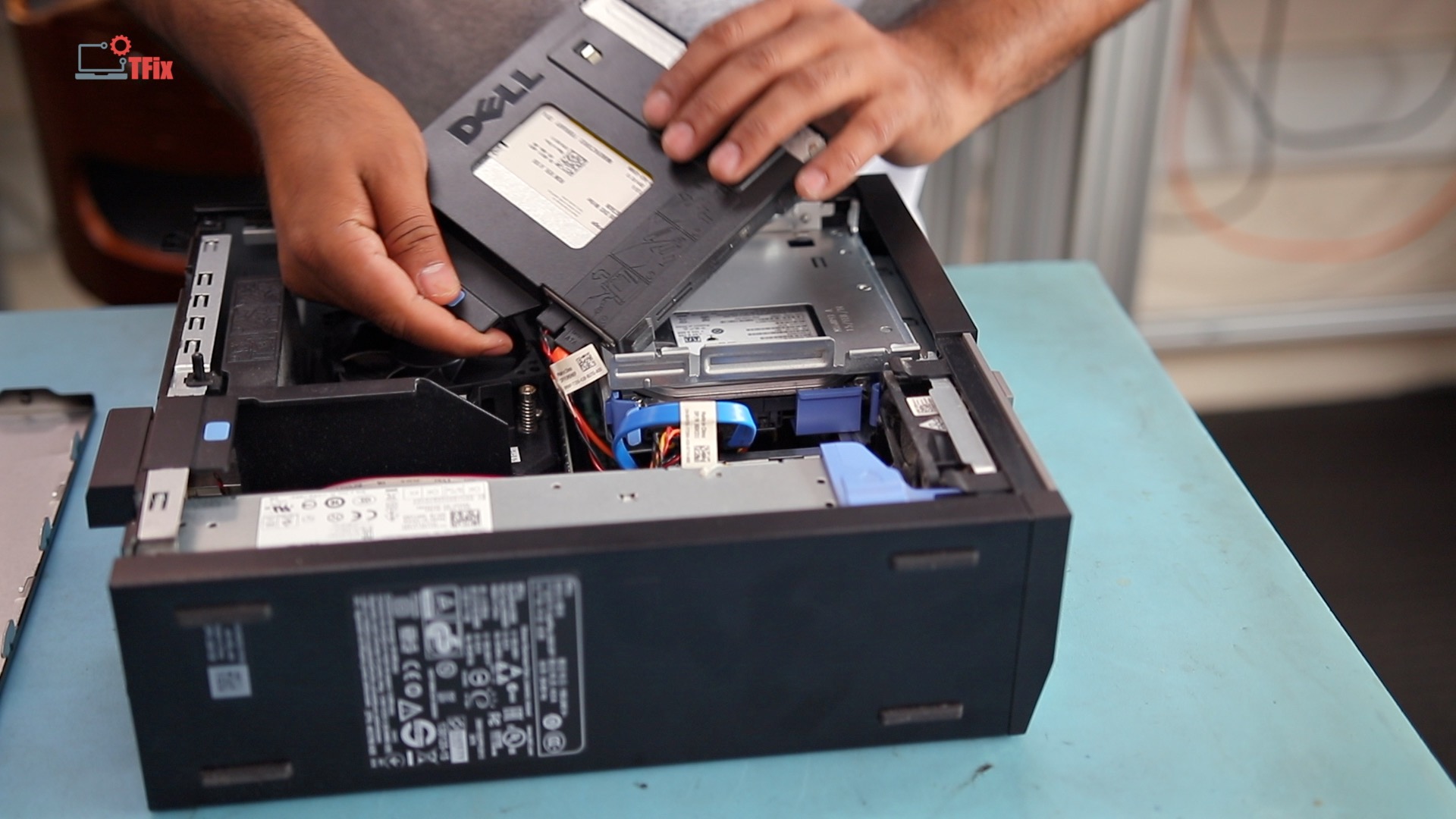
SSDs are not hard drives, and they cannot be handled the same way.
SSDs use internal controllers that remap data across flash cells. Standard overwriting often misses remapped or stale blocks entirely. This is why SSD sanitisation requires different tools, longer processes, and often multi-stage workflows.
Cutting corners here is one of the fastest ways to fail an audit.
Shortcut #5 — Trusting Certificates Without Understanding the Process
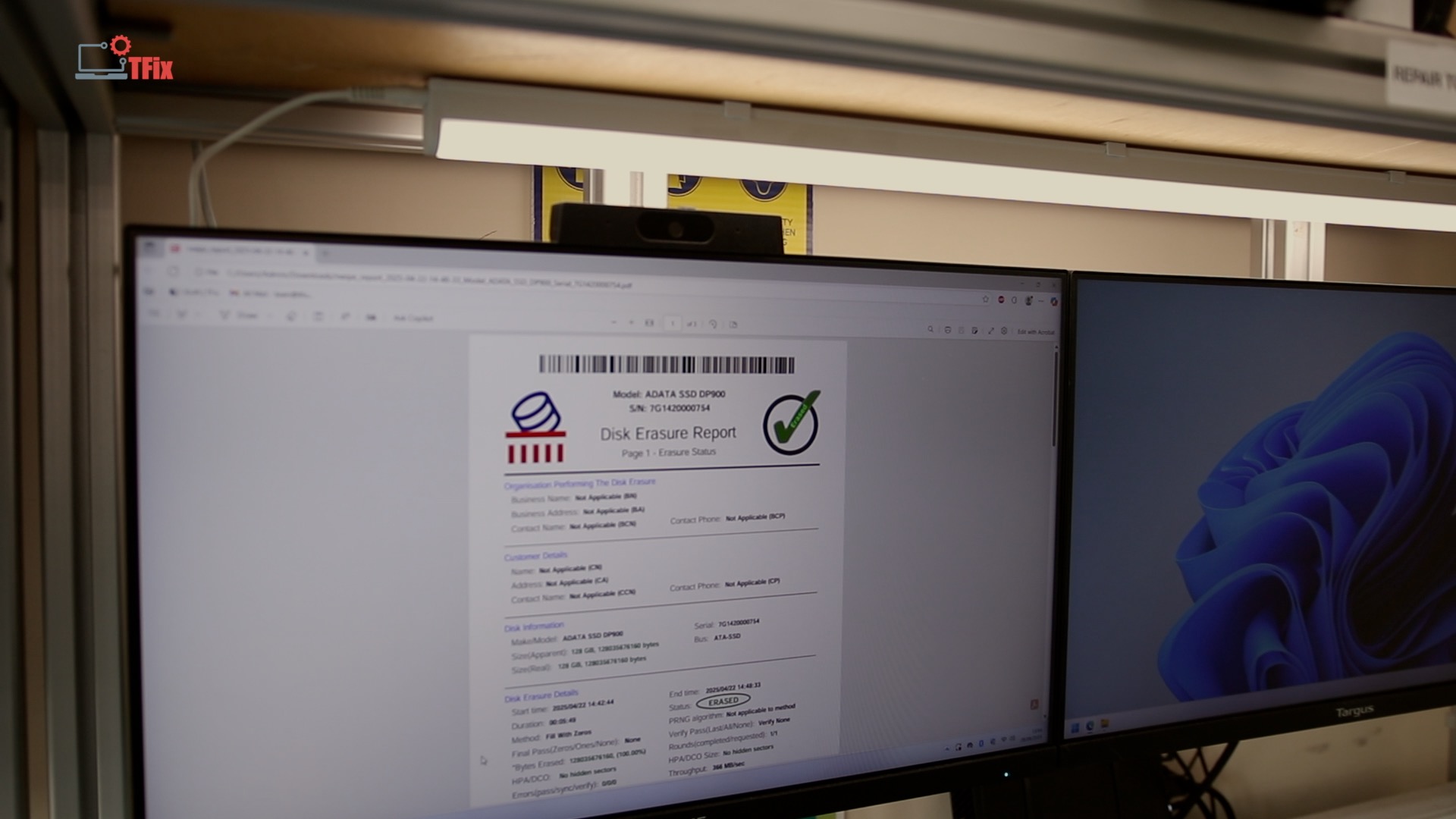
A certificate only reflects the process behind it.
If the underlying method is weak, undocumented, or inappropriate for the media type, the certificate does not protect you. It simply creates a false sense of assurance.
Auditors don’t just check whether a certificate exists. They check how it was earned, what method was used, and whether it matches the asset type.
Certificates don’t create compliance. Processes do.
Shortcut #6 — Mixing Secure Assets With General Waste Streams
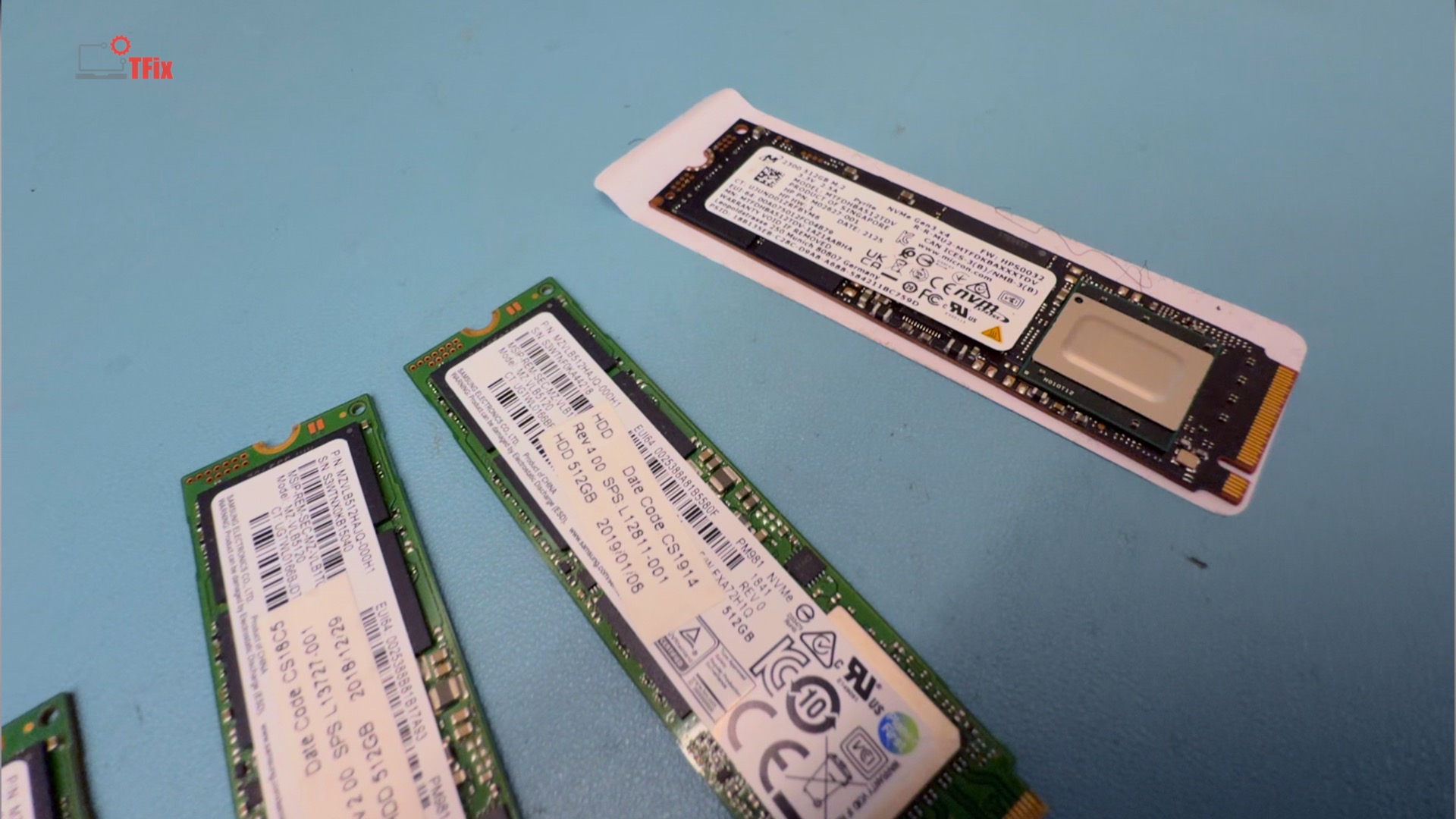
Allowing data-bearing devices into general WEEE or recycling streams before verified sanitisation breaks chain of custody.
Once that happens, even if nothing goes wrong, you can no longer prove that nothing went wrong. From a compliance perspective, that is already a failure.
Secure assets must remain segregated until data destruction is complete, verified, and documented.
Shortcut #7 — Optimising for Cost Instead of Risk
The final shortcut is choosing disposal methods based purely on cost.
Cheap disposal usually removes steps — verification, documentation, secure handling — not risk. The cost difference between proper disposal and shortcuts is often marginal. The cost of getting it wrong is not.
Regulatory fines, breach notifications, contract loss, and reputational damage rarely show up in disposal quotes — but they arrive later.
Closing
Most IT disposal failures don’t come from bad intentions.
They come from assumptions.
If you are responsible for retired IT equipment, the safest approach is not to rush disposal — but to slow it down just enough to make every step provable.
Because when it comes to data, the risk doesn’t end when the hardware leaves the building.